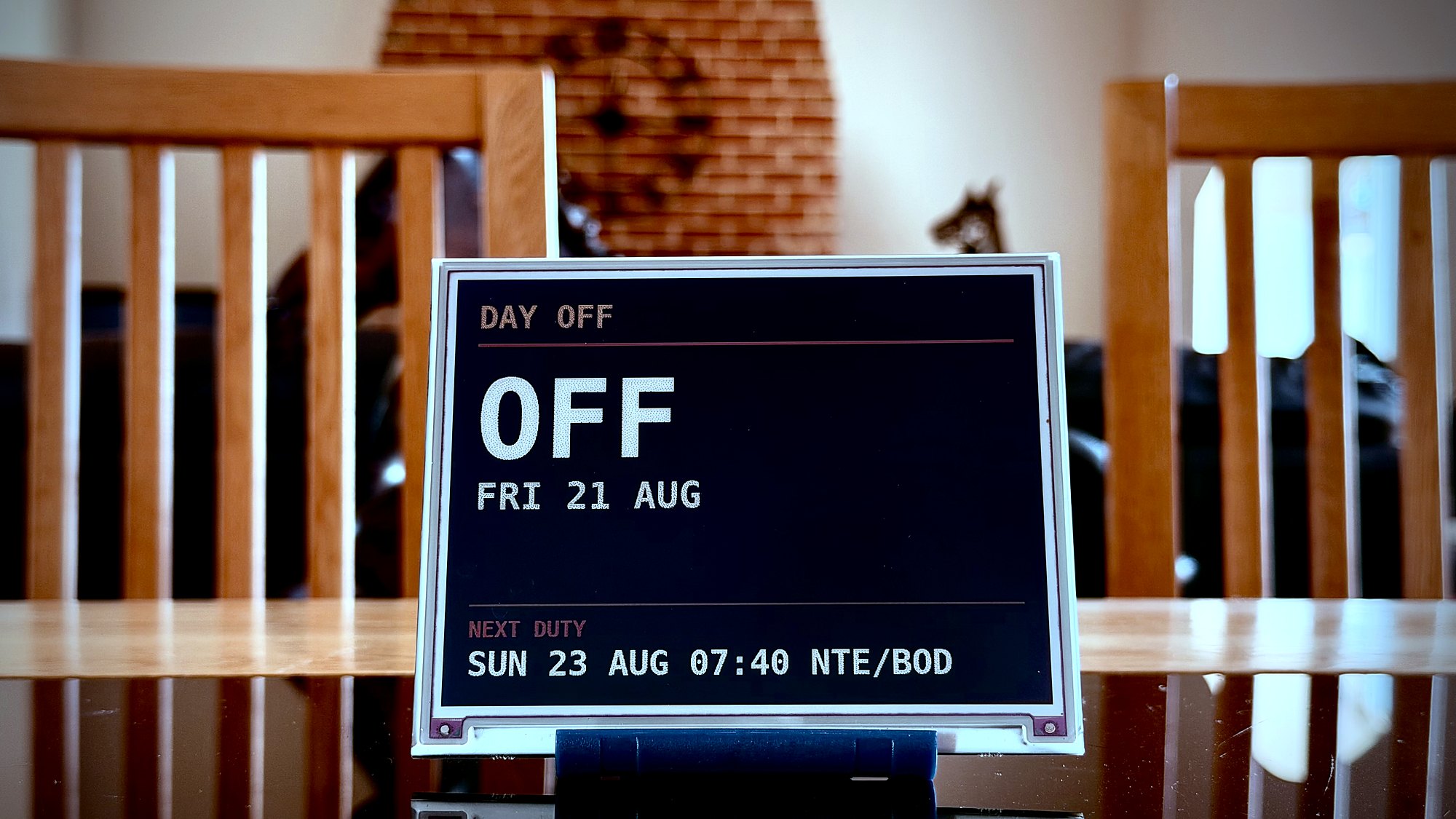
Say goodbye to texting screenshots of eCrew changes - Ident shows the important information at a glance.
Always on. Always accurate.
Where you are, when you're back, how long they have with you. Ident reads your roster and puts it on the wall - and unlike the printout, it's still right after crewing change their mind.
Say goodbye to texting screenshots of eCrew changes - Ident shows the important information at a glance.
Anyone who knows an airline pilot understands that their day can change in an instant. The best-laid plans for your time together can change drastically depending on all sorts of factors.
Sometimes, by the time they can tell you, it's too late.
Ident gives an instant oversight of how their plans change, as it happens. No more mental maths or waiting for a text back when they land: if they are delayed, you are notified.
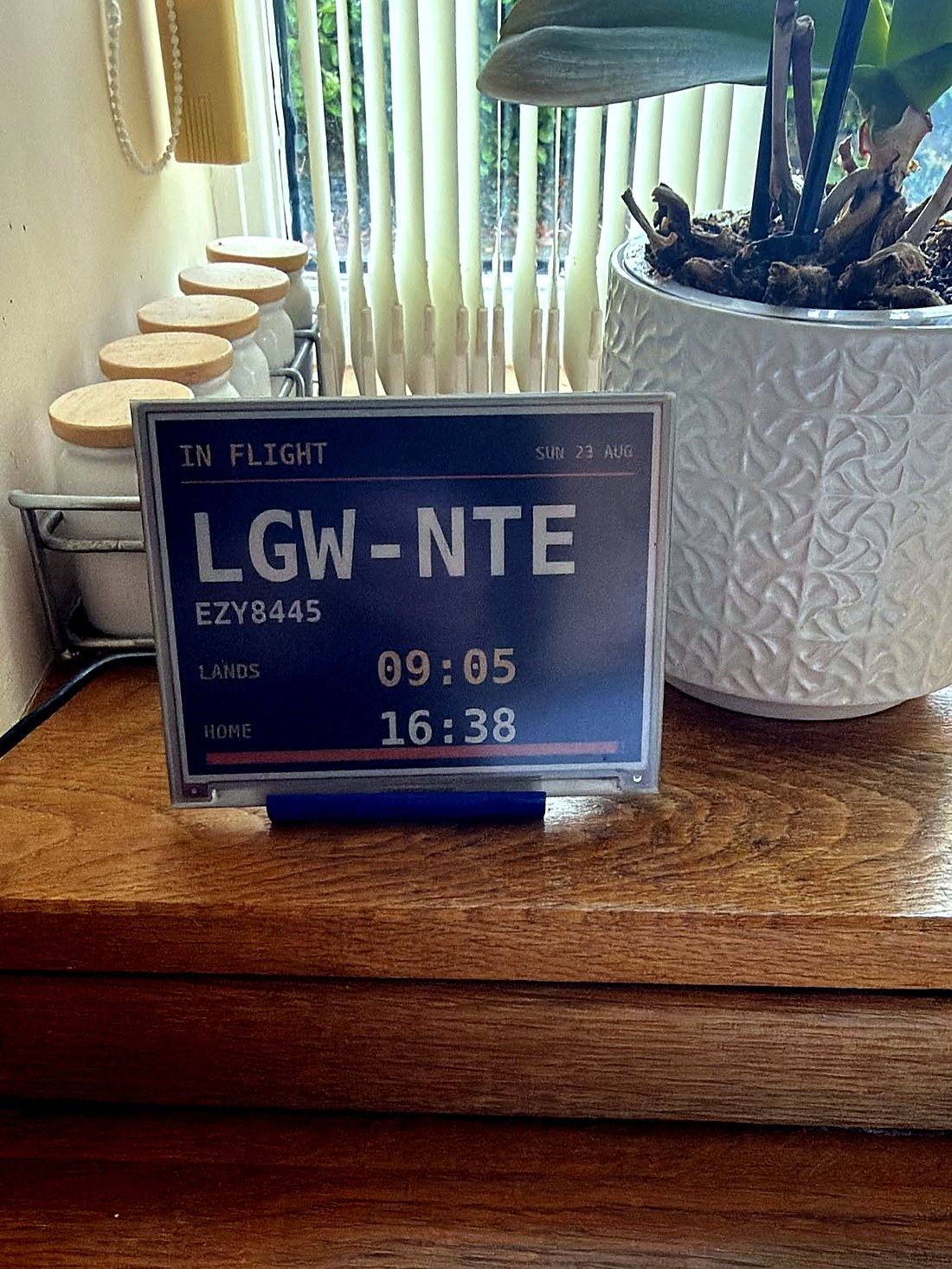
Synced to eCrew and ADS-B data to give an accurate arrival time.
Uses airline rostering (eCrew), flight tracking (AeroDataBox/Flightradar24) and live traffic (Google Maps) data to give a precise home arrival time. If they're delayed, you'll see it.
A constantly-updated arrival time for the front door, not just the airport - recalculated using live traffic data.
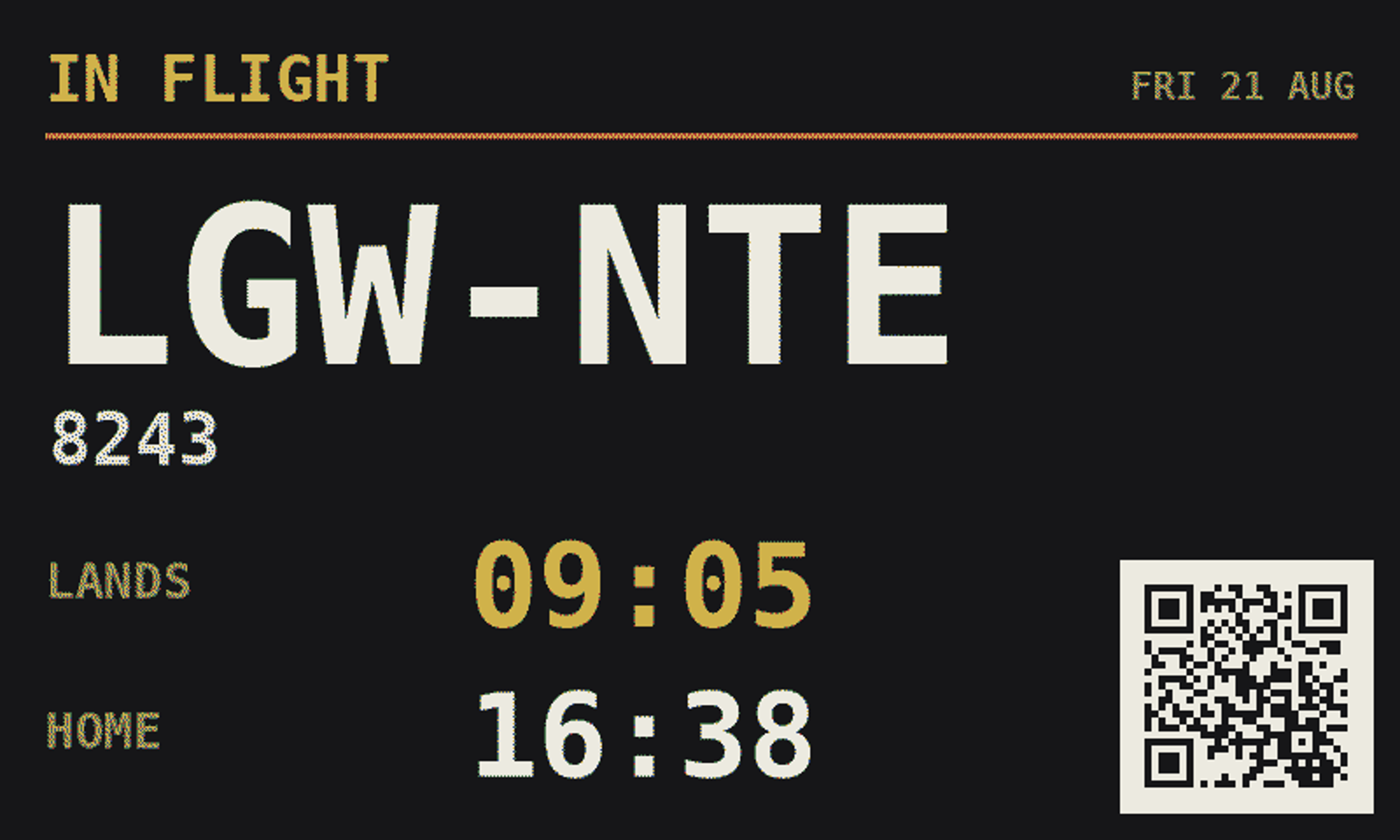
Scan to track
Point a phone at the screen. Watch the flight.
While you're airborne, Ident shows a QR code that opens your actual flight, live on Flightradar24. Whoever's at home can follow your flight.
Press the button on the side and it fills the screen - scannable from across the room. Or leave a small QR code in the corner of your display.
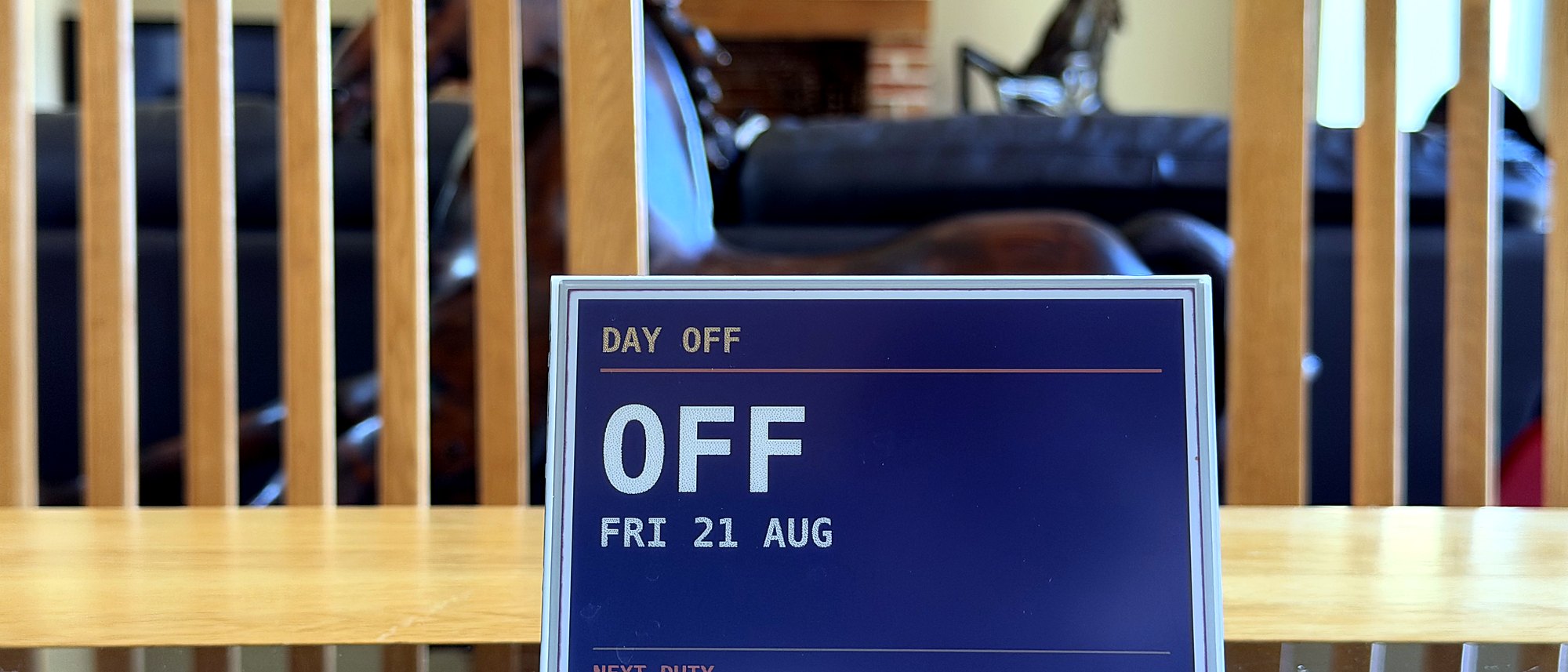
It shows the next duty as well as this one, so the people at home can always see how much time they have with you. No need to ask, or wait for an answer.
Ident can show your current flight, your estimated arrival time, and even what time you'll arrive home based on traffic conditions. It shows your next duty, so your loved ones can always see how much time they have with you.
Ident uses live data from Google Maps for estimating commute time, and AeroDataBox or Flightradar24 for an up-to-date flight time.
Your roster. Always accurate.
The board re-reads your roster regularly. When it moves, it moves.
It's on the wall before you've finished packing. No group chat, no relay.
Landing and home times slide with the day. Nobody's working off this morning's plan.
Days off and early starts show days ahead — the rest of the family can plan without asking.
Airborne, turnaround, or already driving. No worrying about whether you can talk.
Report time and where you're going. The two things worth knowing before lights out.
Big destination, plain times. Old enough to read a clock is old enough to work out when Mum or Dad lands.
Commuter?
Ident makes your planning a little easier.
Living in Amsterdam, based at Gatwick? Add the 05:00 AMS–LGW and Ident looks up the route and times itself. Two boxes, once.
The board follows you out of Amsterdam, then hands over to the roster duty when you report. At home they see one continuous day, not a gap.
Deadheading, a night before at a crashpad, the flight home on leave. If it has a flight number, it can go on the board.
Ten minutes from the crashpad mid-block; a two-hour flight home after the last sector. Set both, and the home time is right on the day it matters.
If you tell Ident how long you take to get ready, Ident gives you an alarm time to set.
Ninety minutes before report, or whatever your morning actually takes. It shows on days off and while the board counts down to report.
When crewing move your report time, the wake time moves with it. There is no second thing to remember to change.
Optionally counts the journey to report as well — so if you need to get to your base before day 1, Ident accounts for the extra commute time.
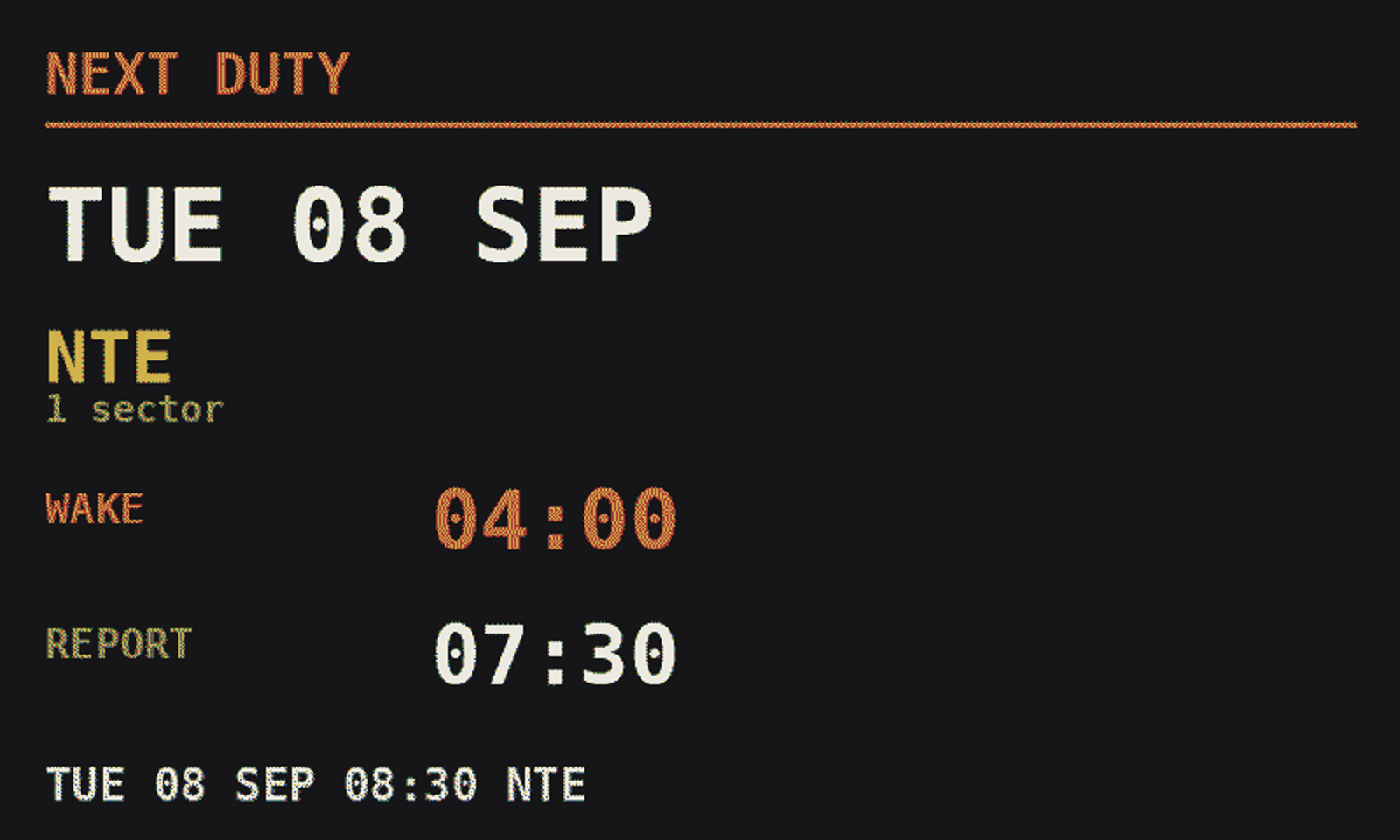
The question before the light goes off.
Press the button on the frame and the next duty comes up: the date, where you're going, what time to be awake and what time to report. On a day off it's already there.
Many different styles to choose from: change it from your phone or with a button on the frame.
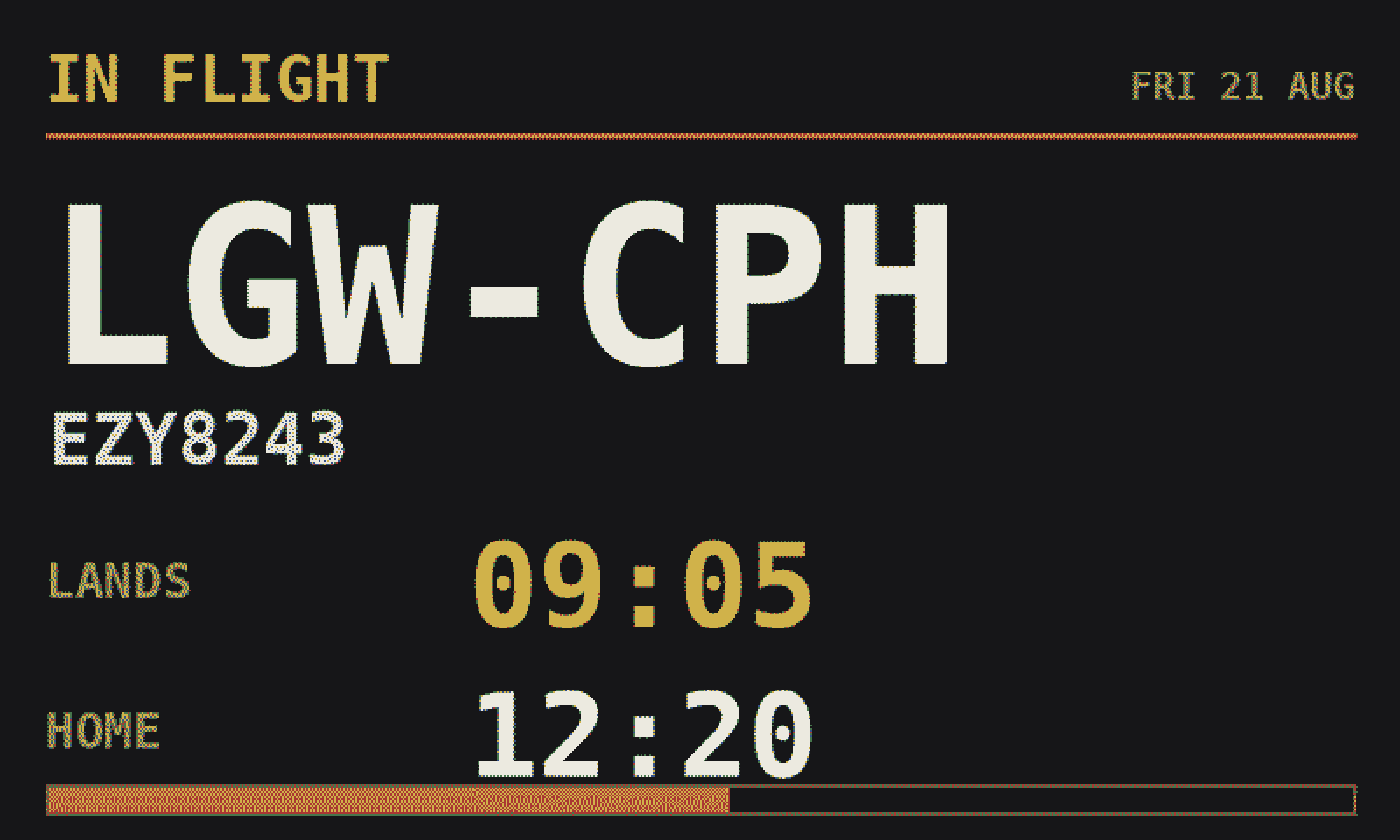
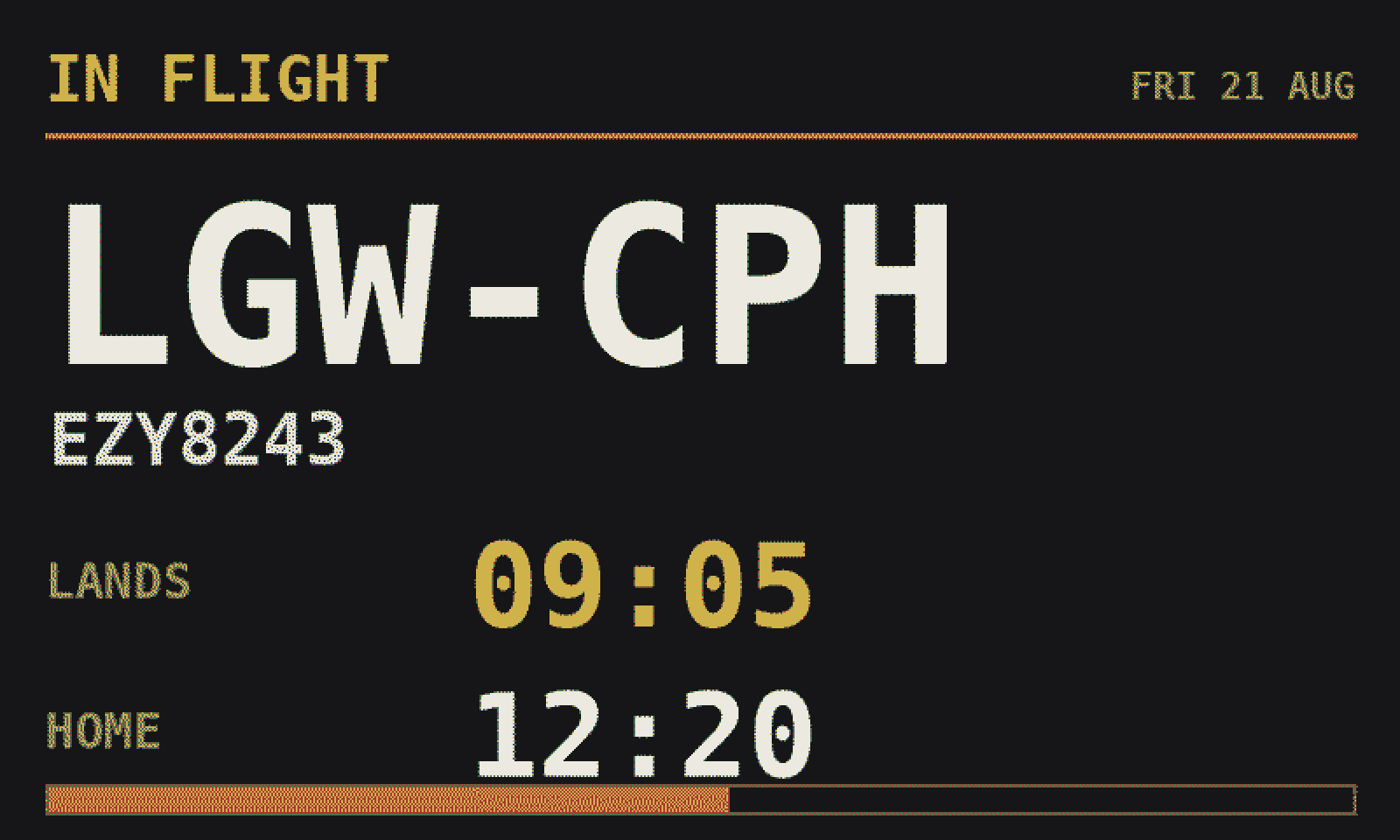
Split-flap departure board. Route, landing time, home time, progress.
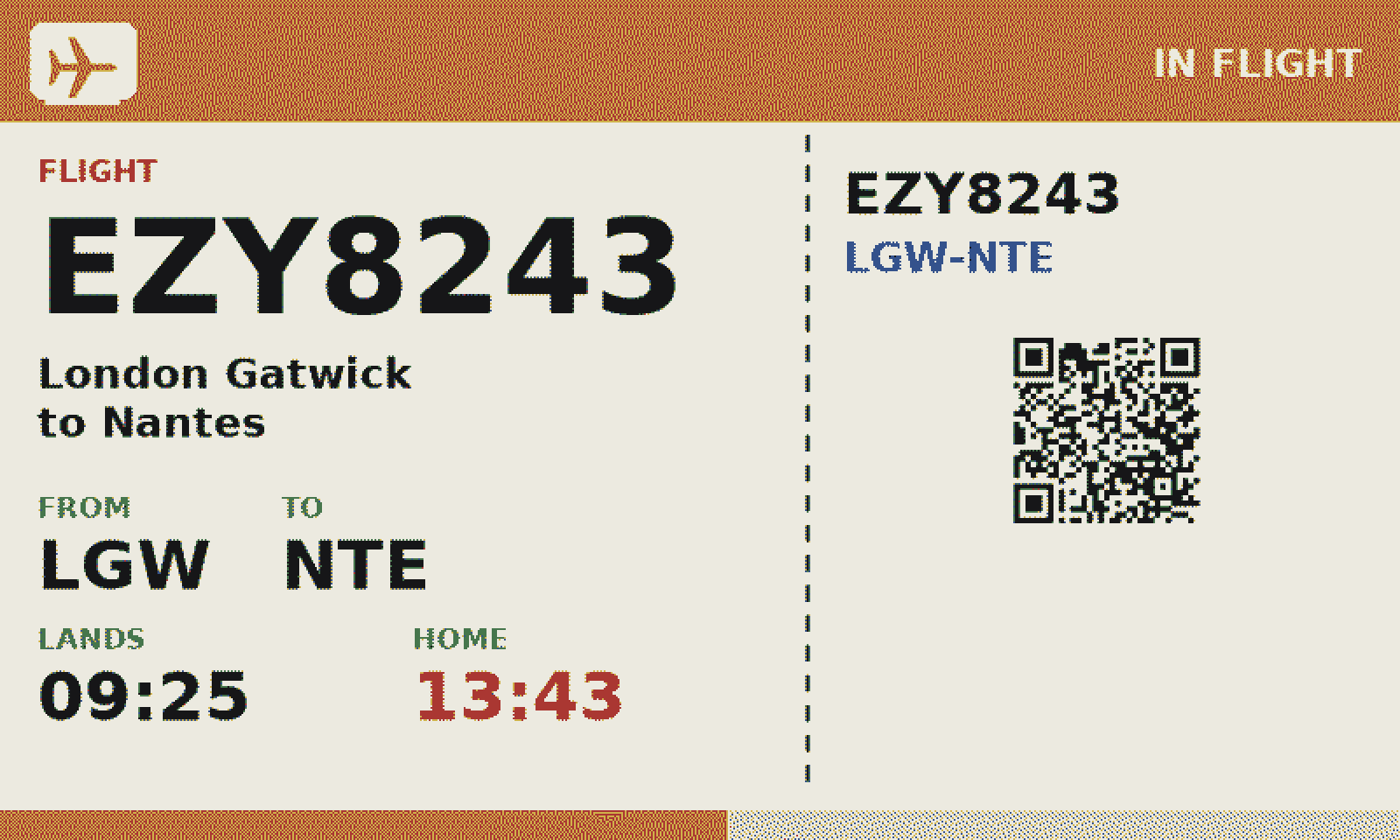
Upload your airline's logo for the header; until then it carries a plain aircraft mark.
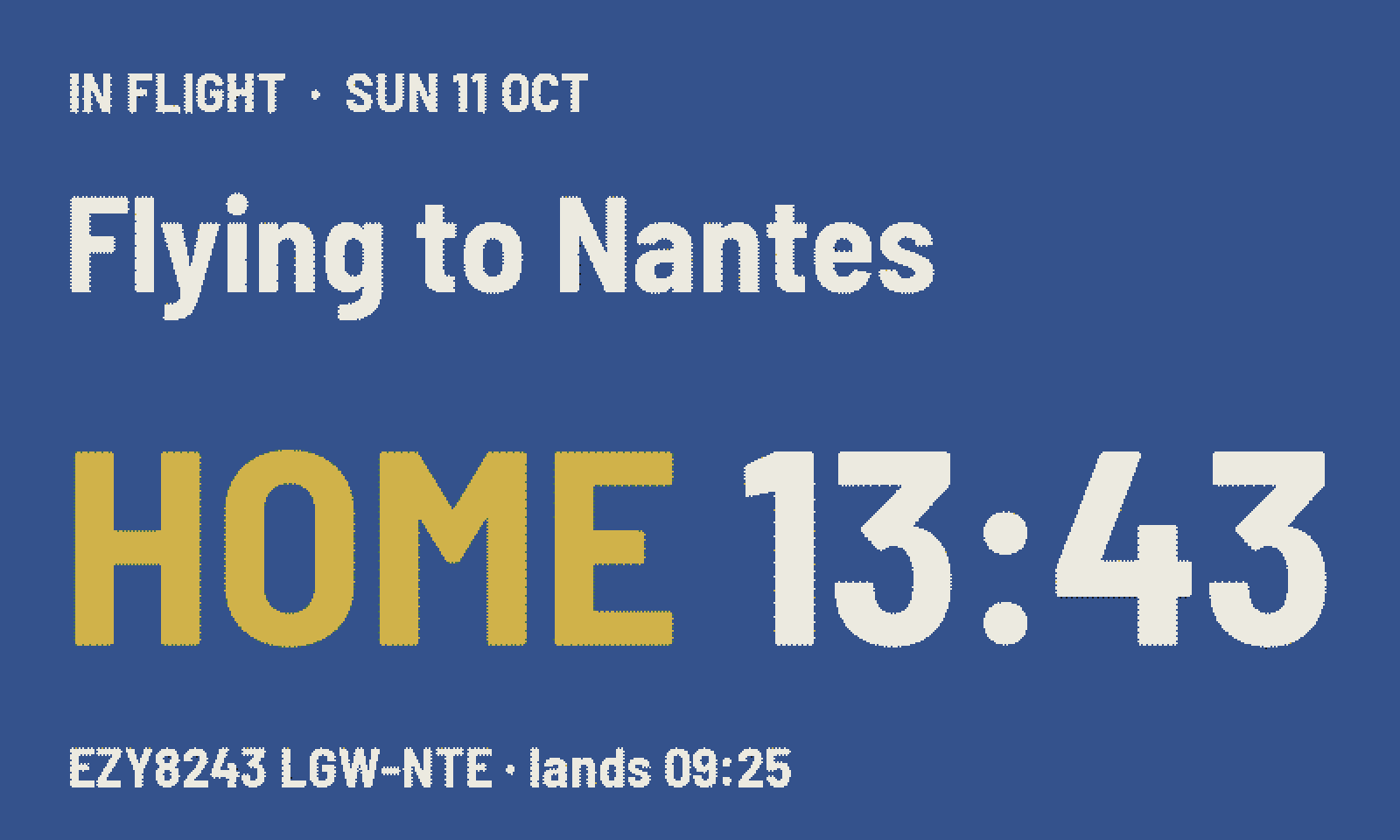
The whole board one colour: blue flying, red at work, green home. The colour answers before the words do.
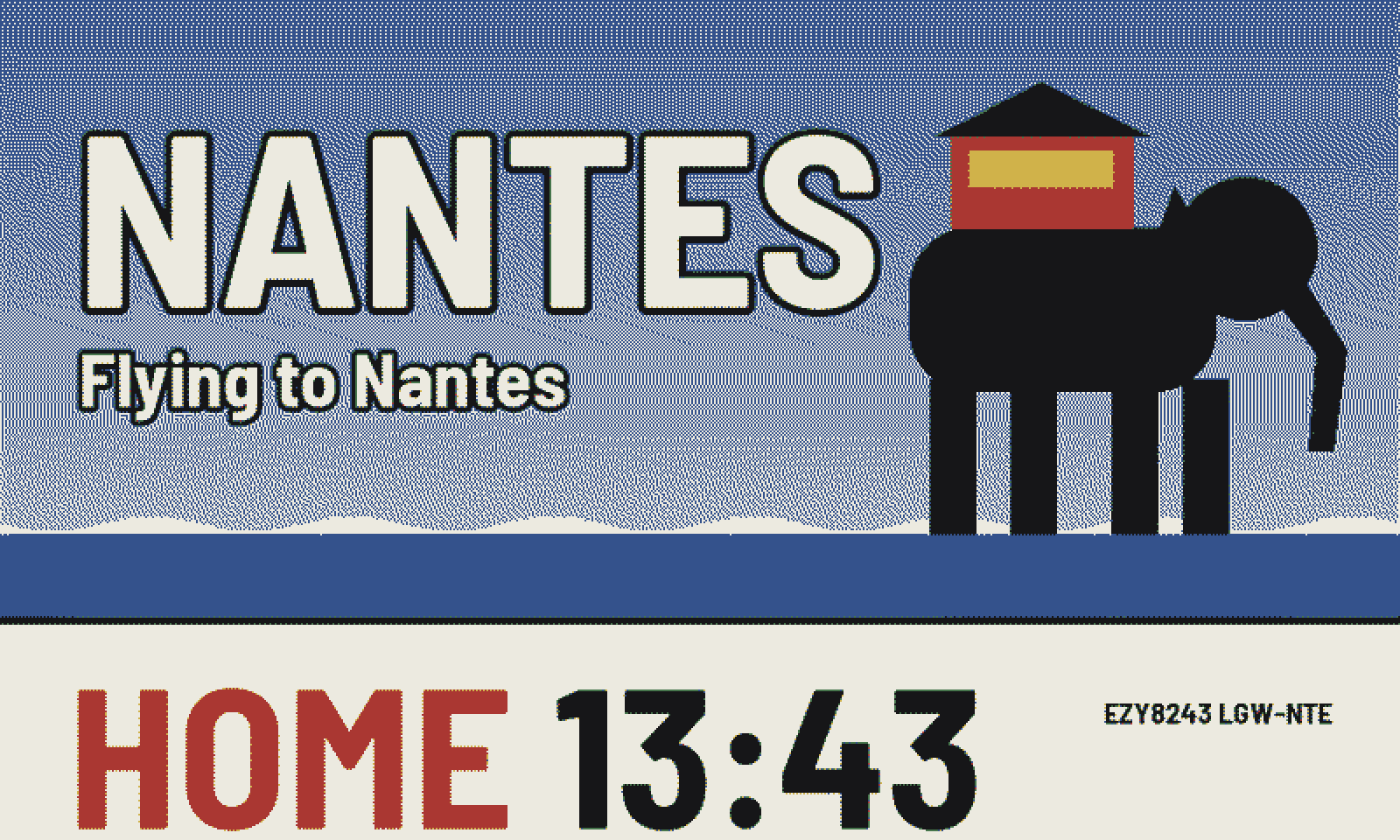
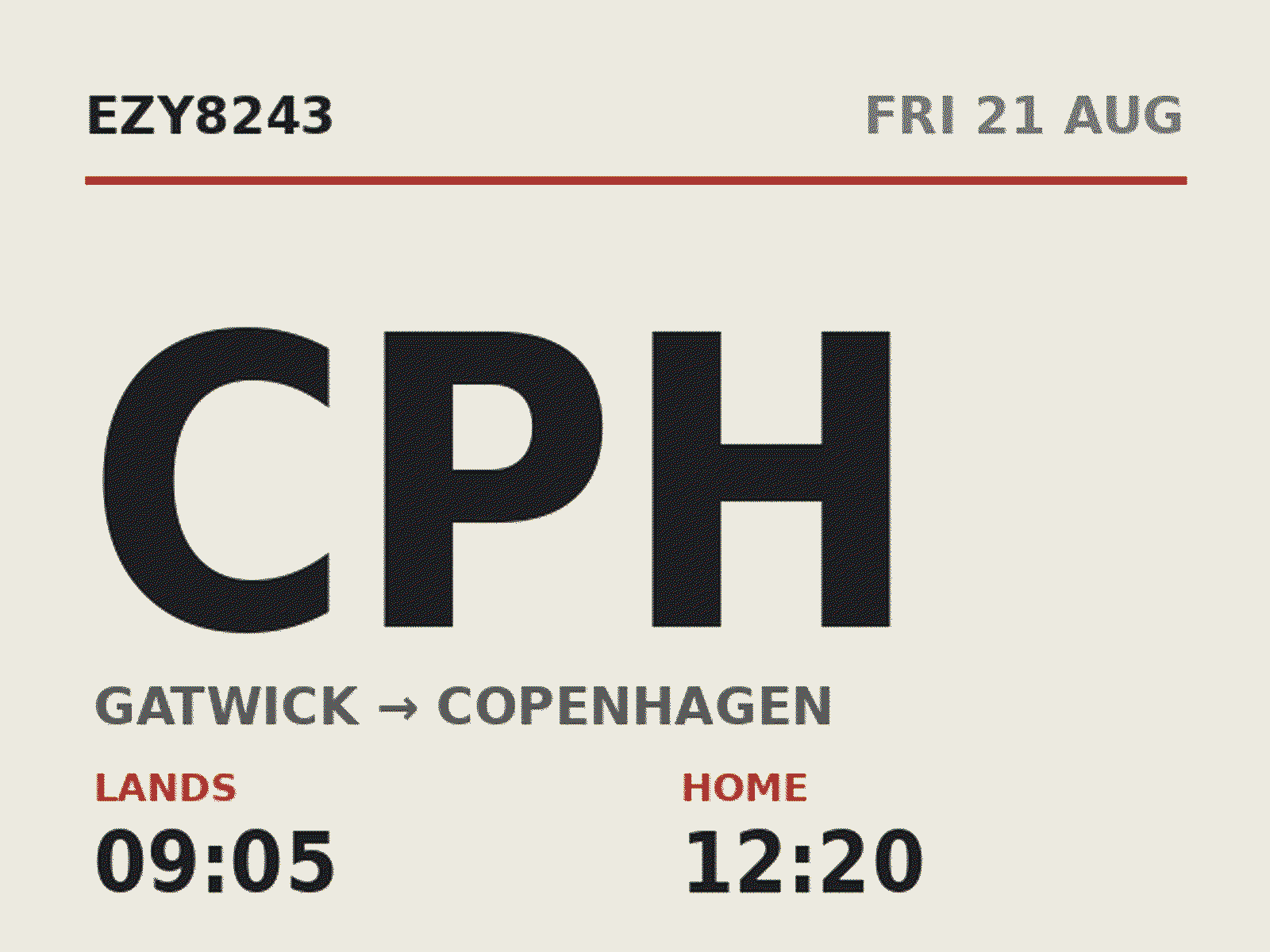
Today's destination as a screen-printed poster, and when they're home along the foot.
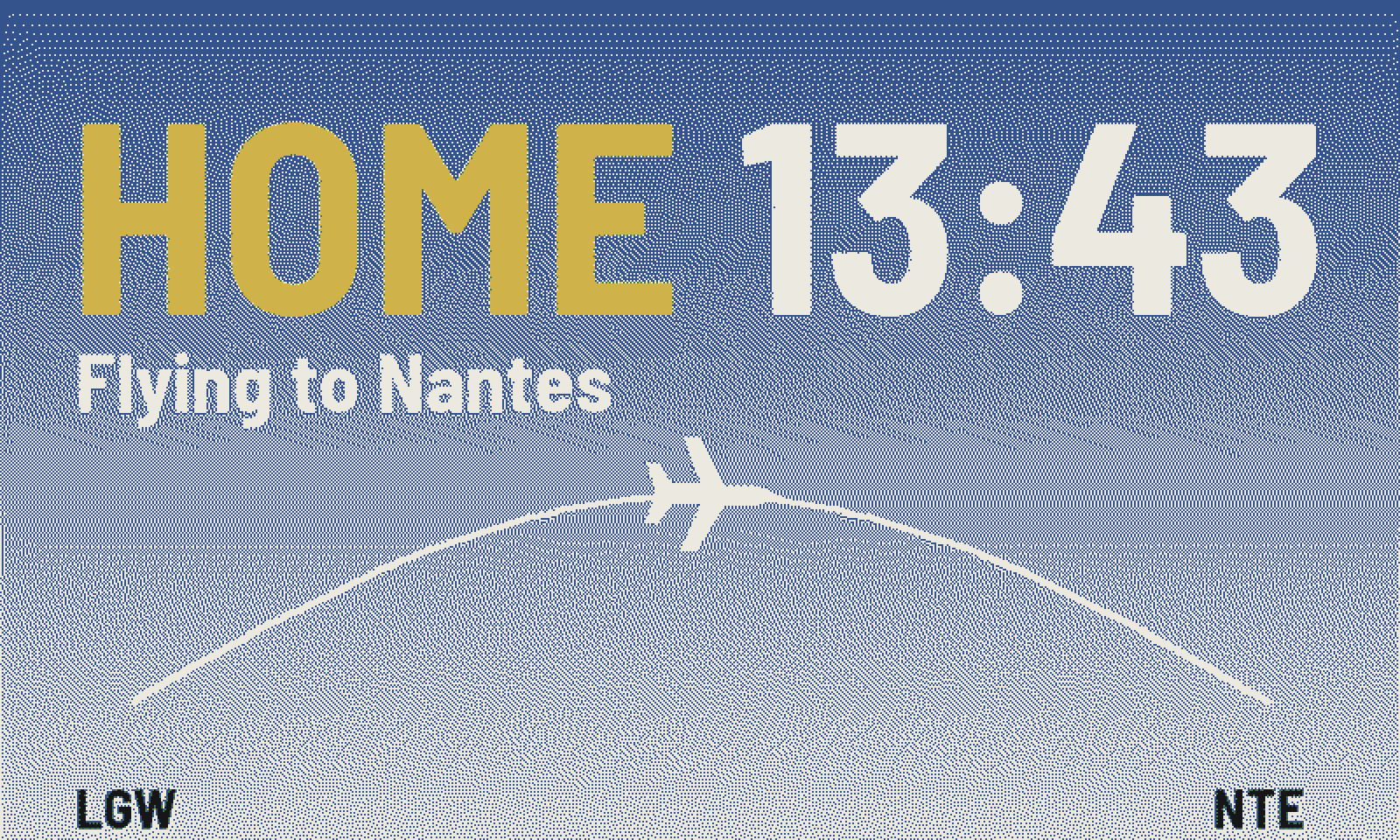
The sky at this hour, the aircraft on its way, and the time they're home.
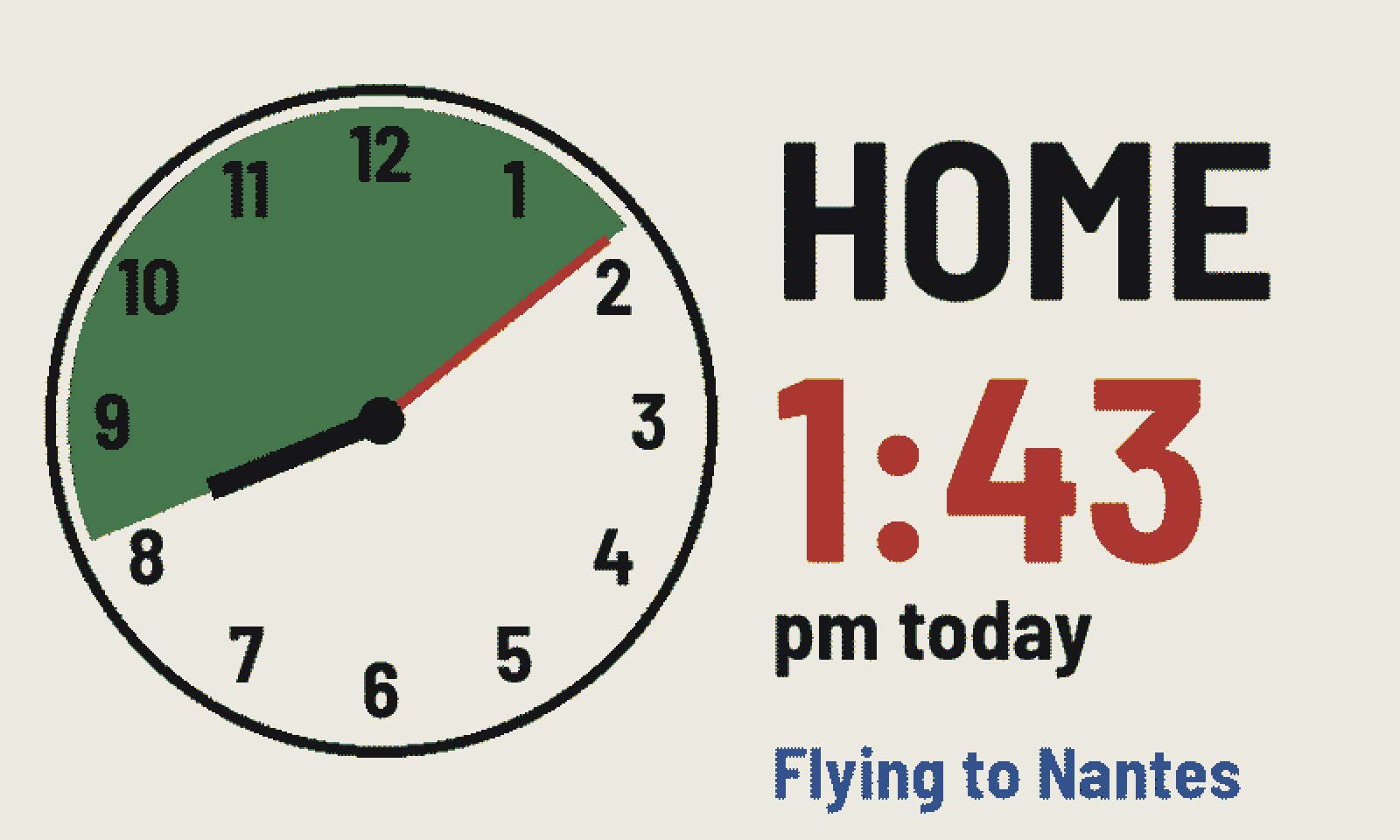
A clock face, shaded from now until they're home. "Home at 1:43 pm."
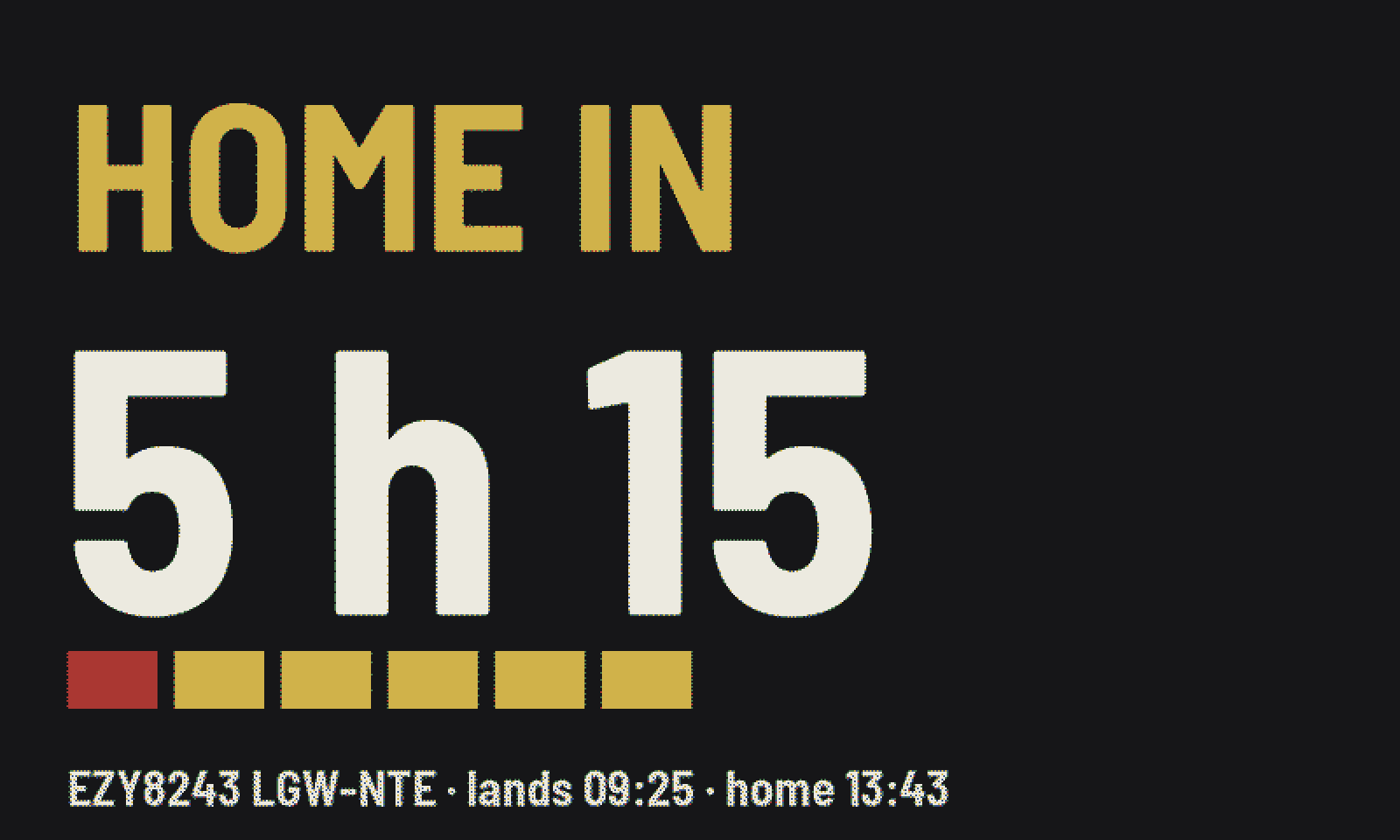
"Home in 5 h 15", with a block for every hour still to go.
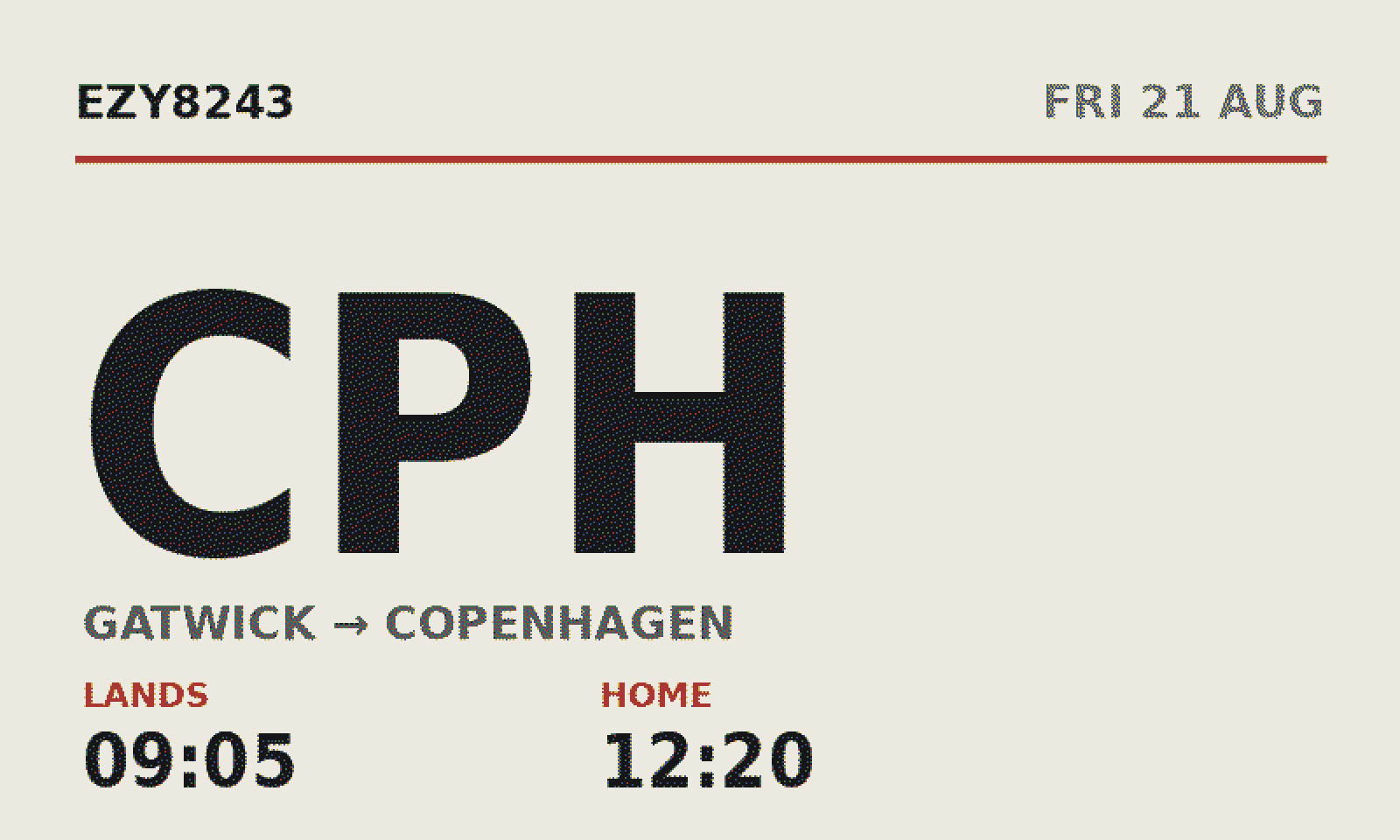
One enormous destination and the two times that matter.
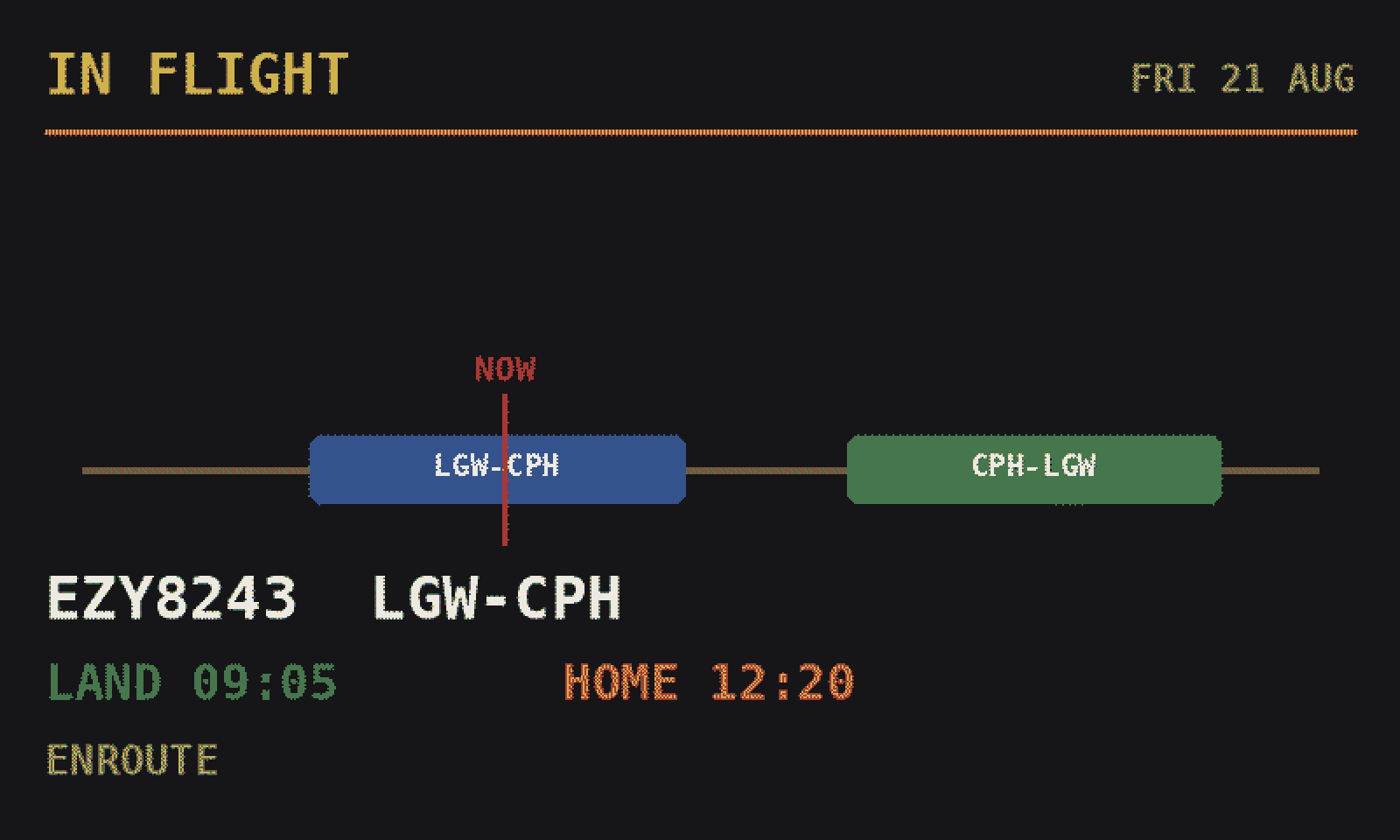
The whole duty as one bar, with a marker showing where you are in it.
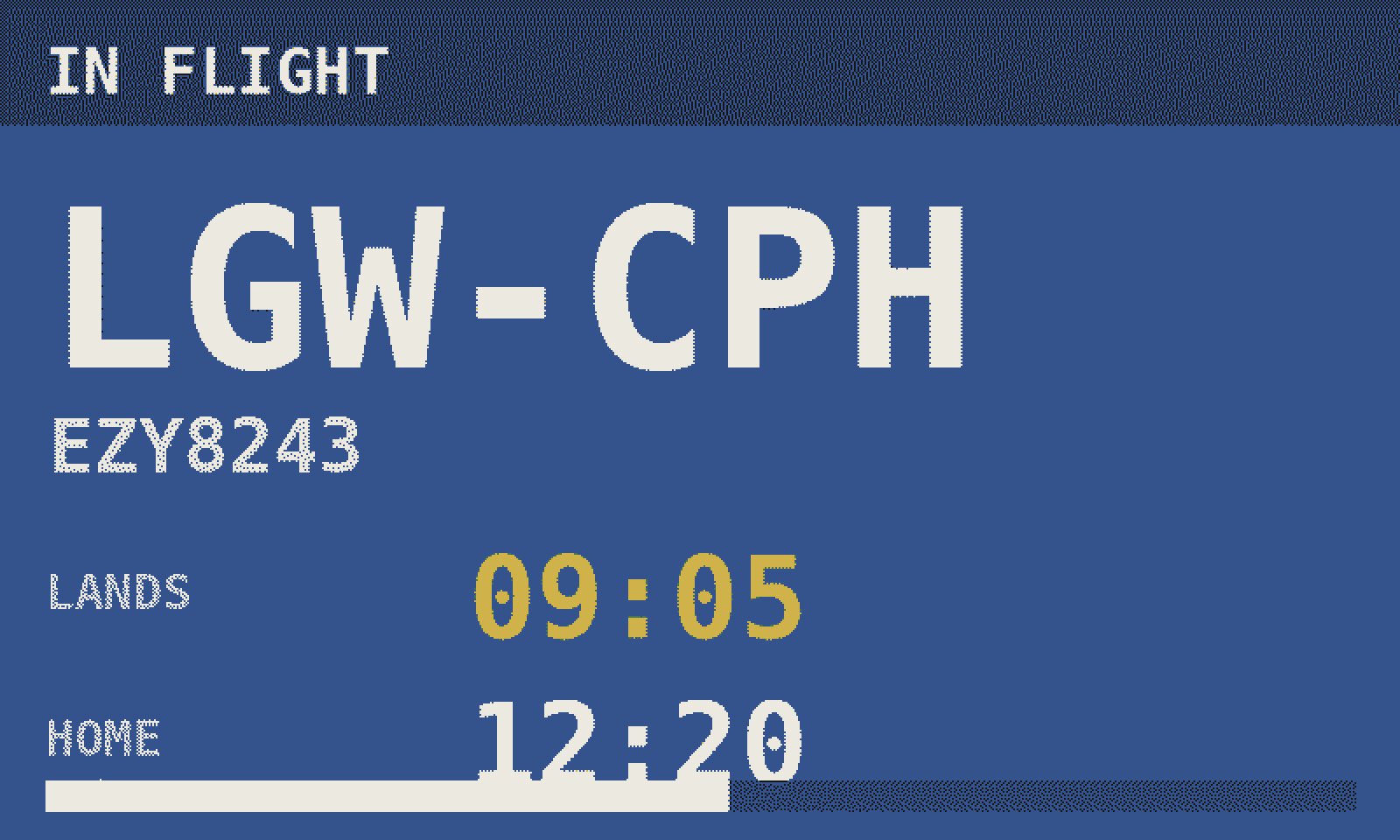
The departure board in amber, yellow, or white on railway blue for rooms where black would shout.
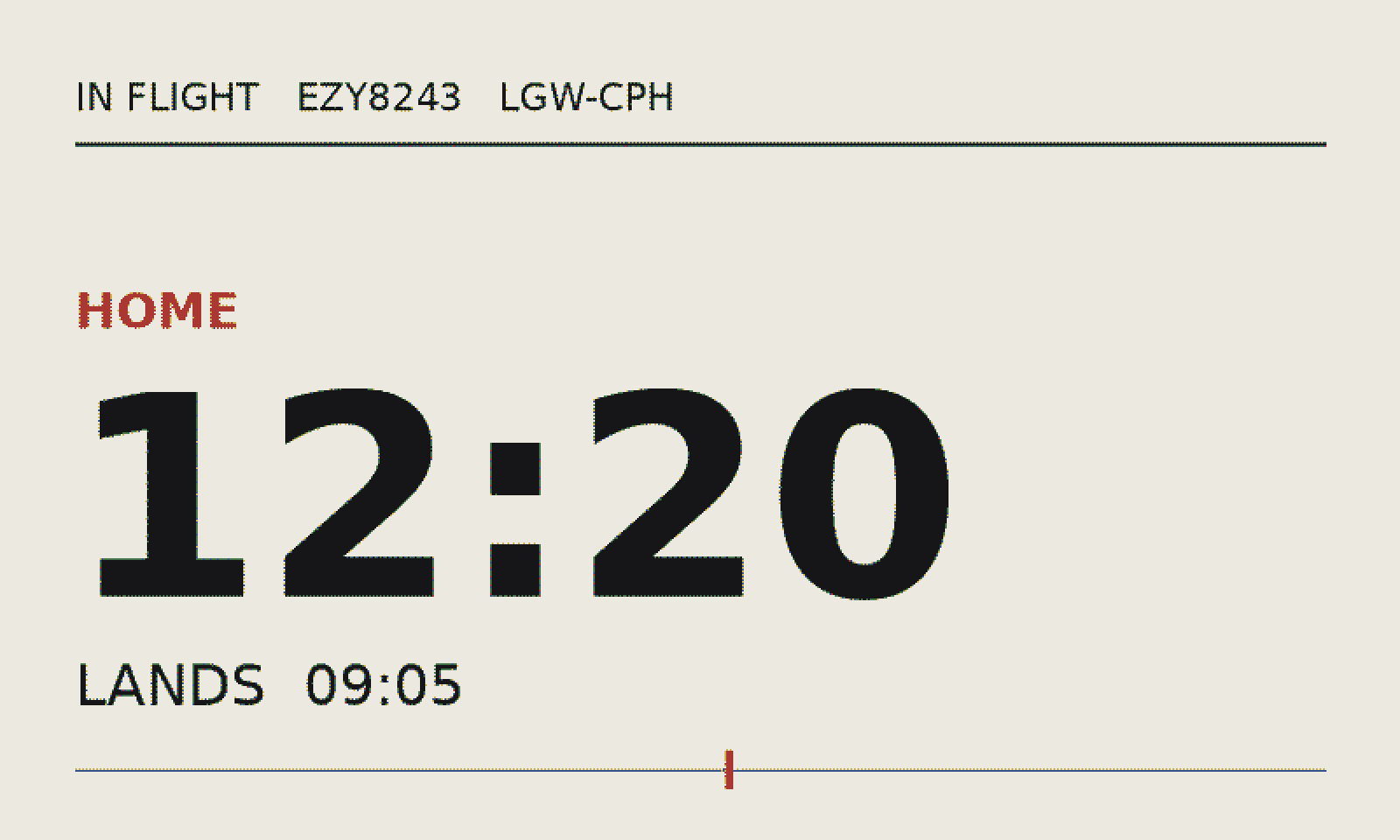
White, gridded, restrained. More poster than gadget.
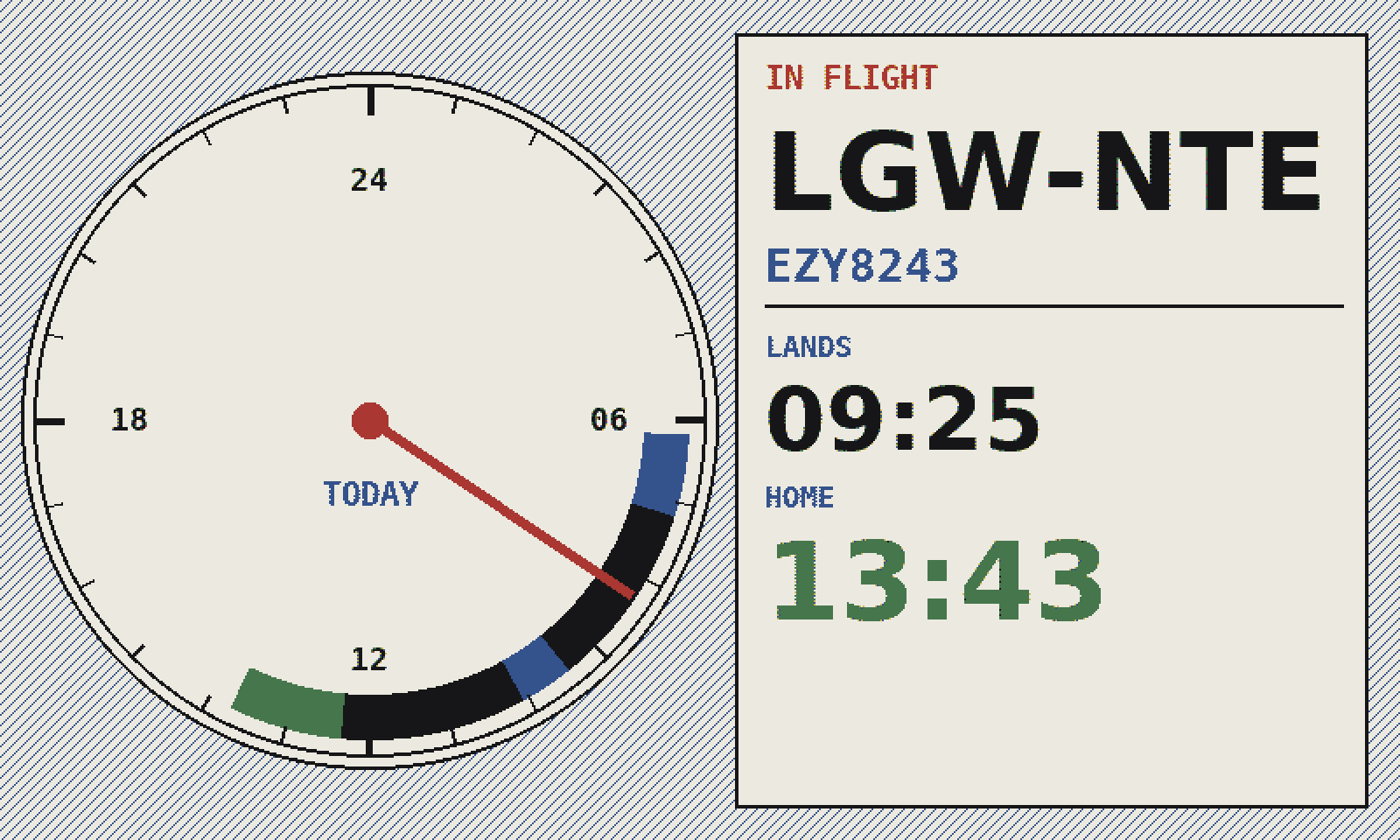
The whole day on one clock face: duty, flying and home, with a hand for now.
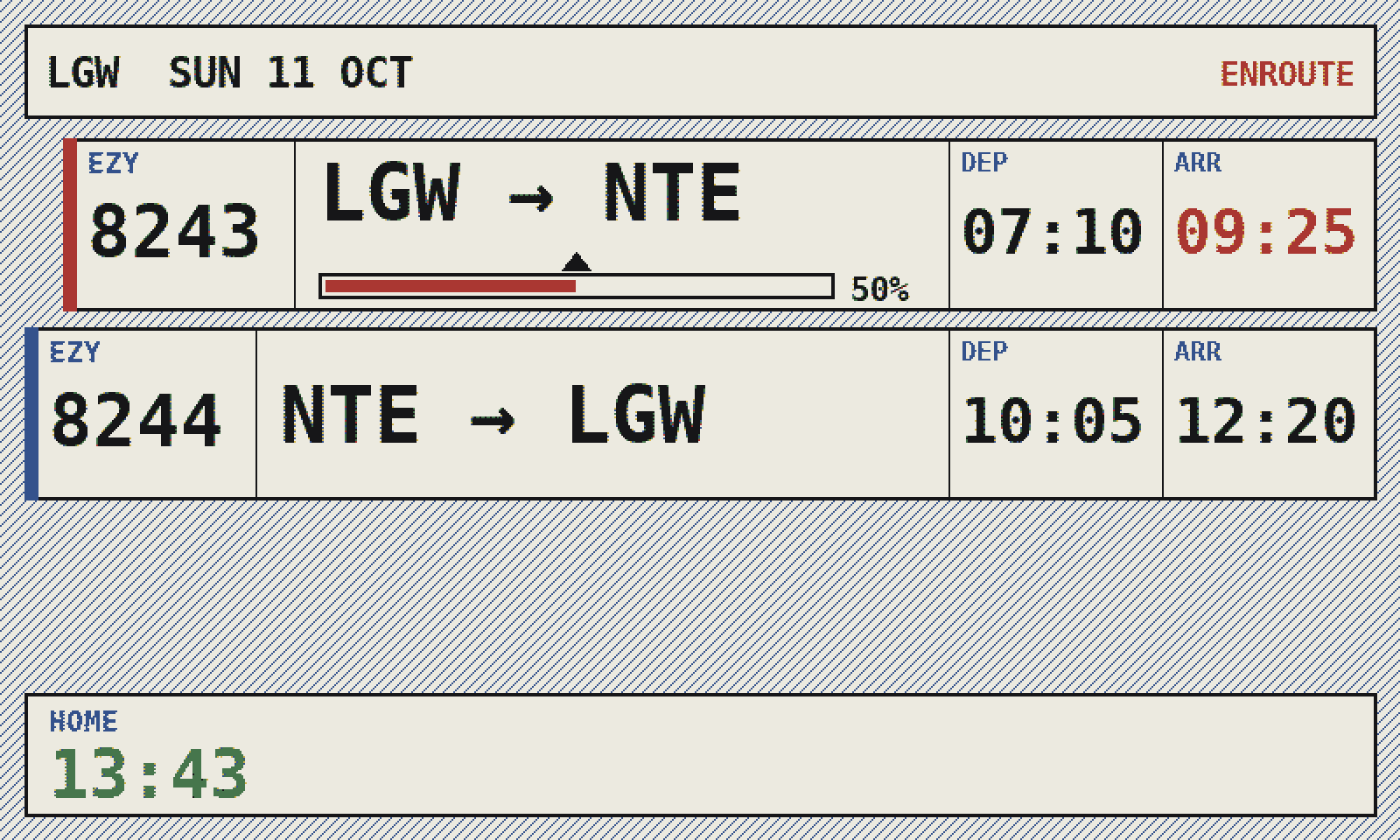
Every sector as a controller's strip, with off and on times.
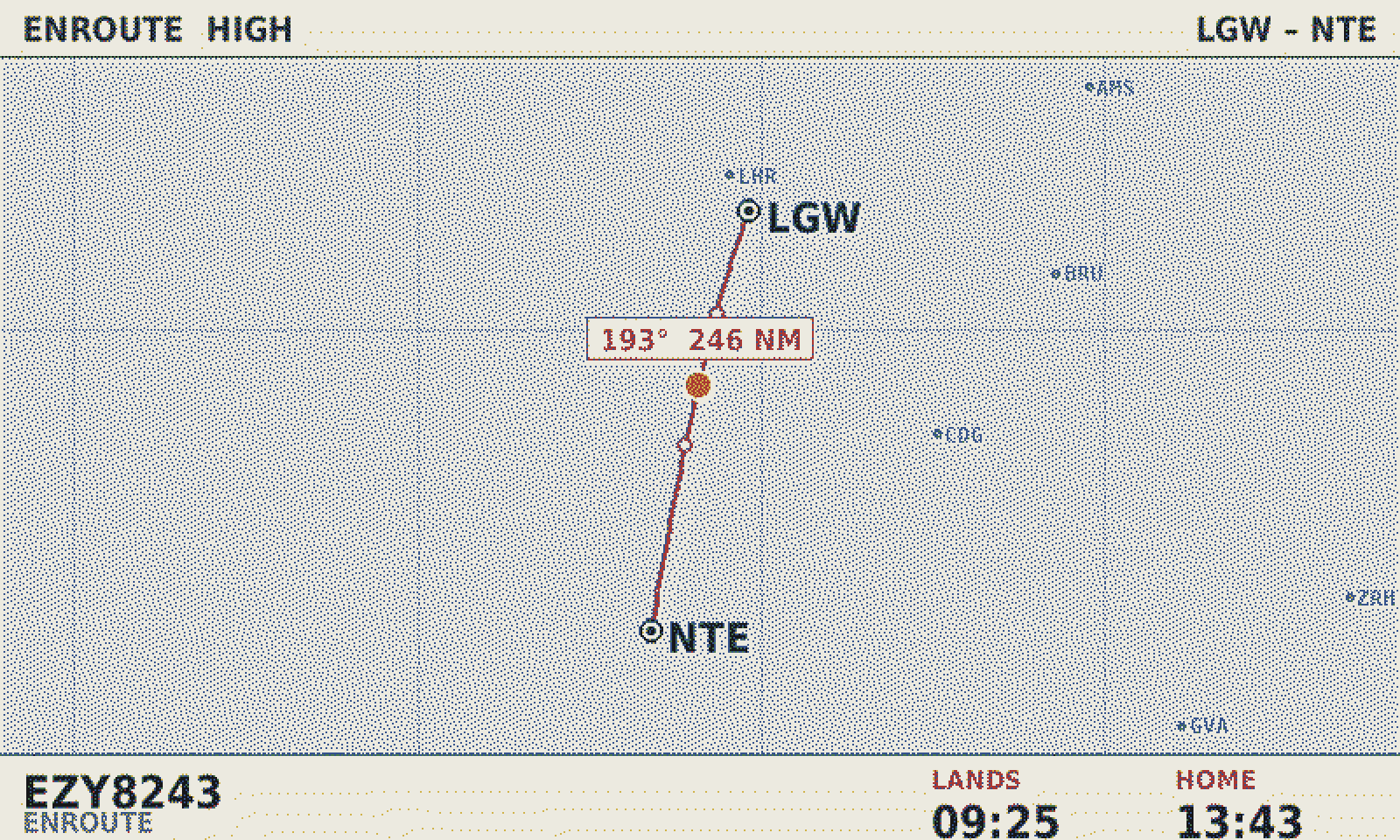
The route drawn on a chart, with the aircraft where it is now.
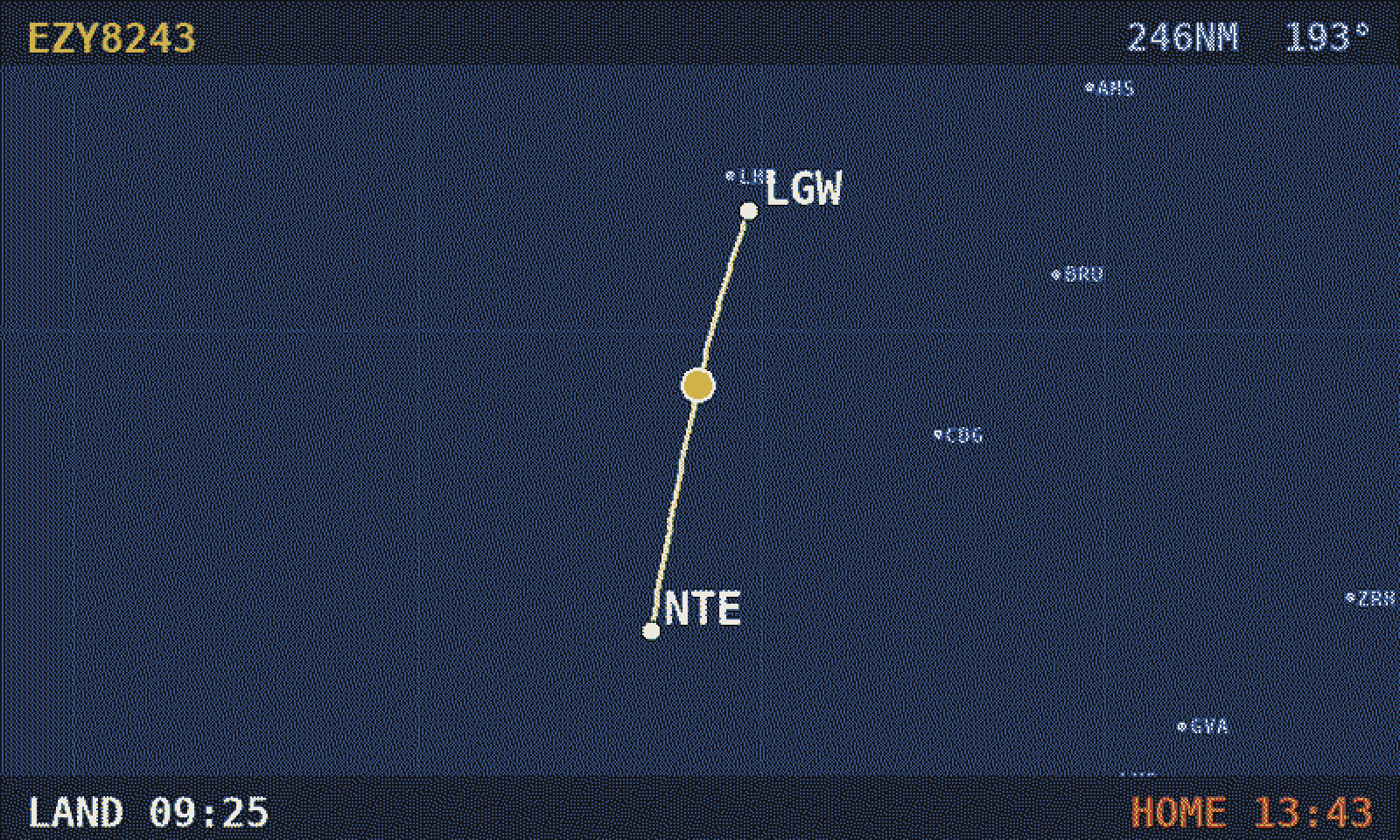
The same map on deep blue, with landing and home along the foot.
The control panel
Everything is set from your phone: the style, the lettering, your commute, the battery. Add it to your home screen once and it opens full screen with its own icon — no App Store, nothing to update.
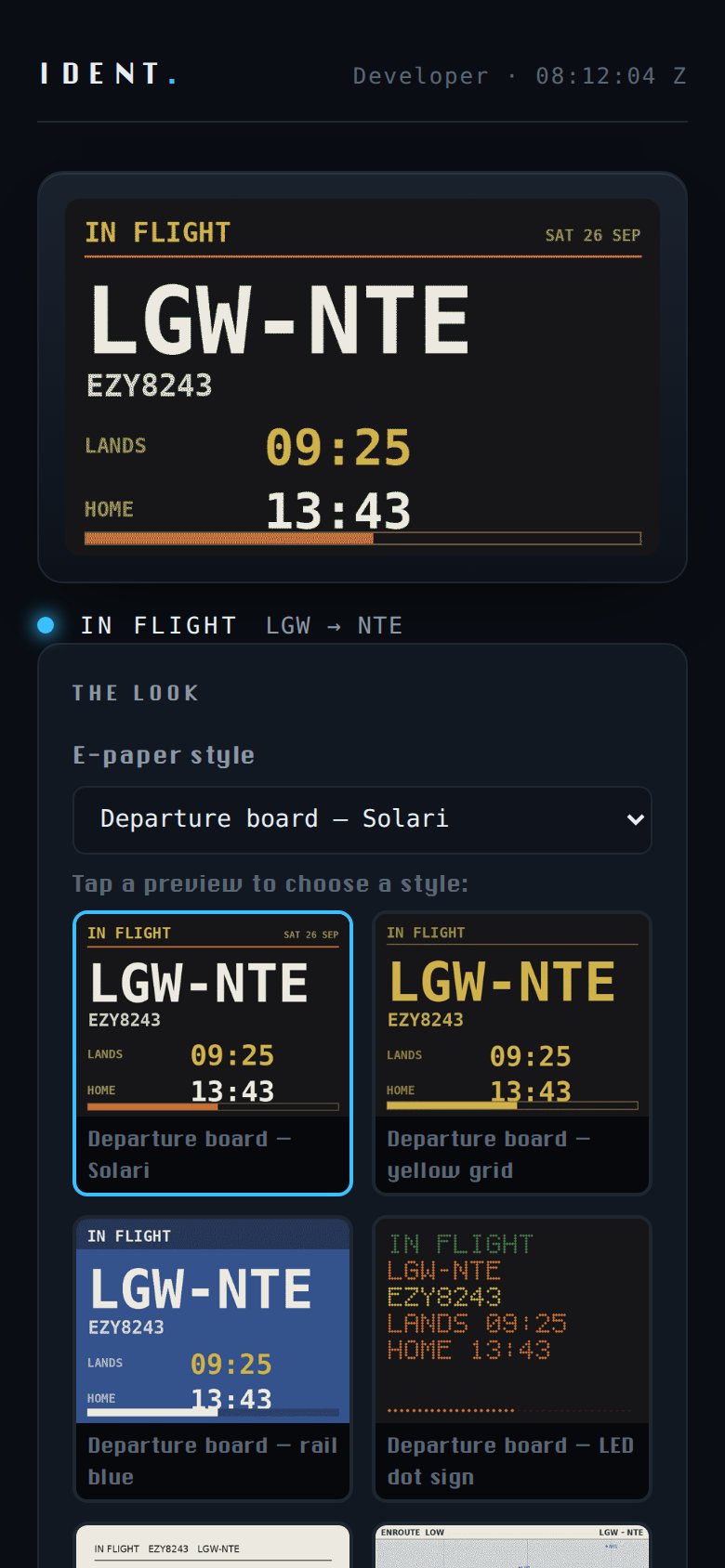
A live copy of what's on the wall at home.
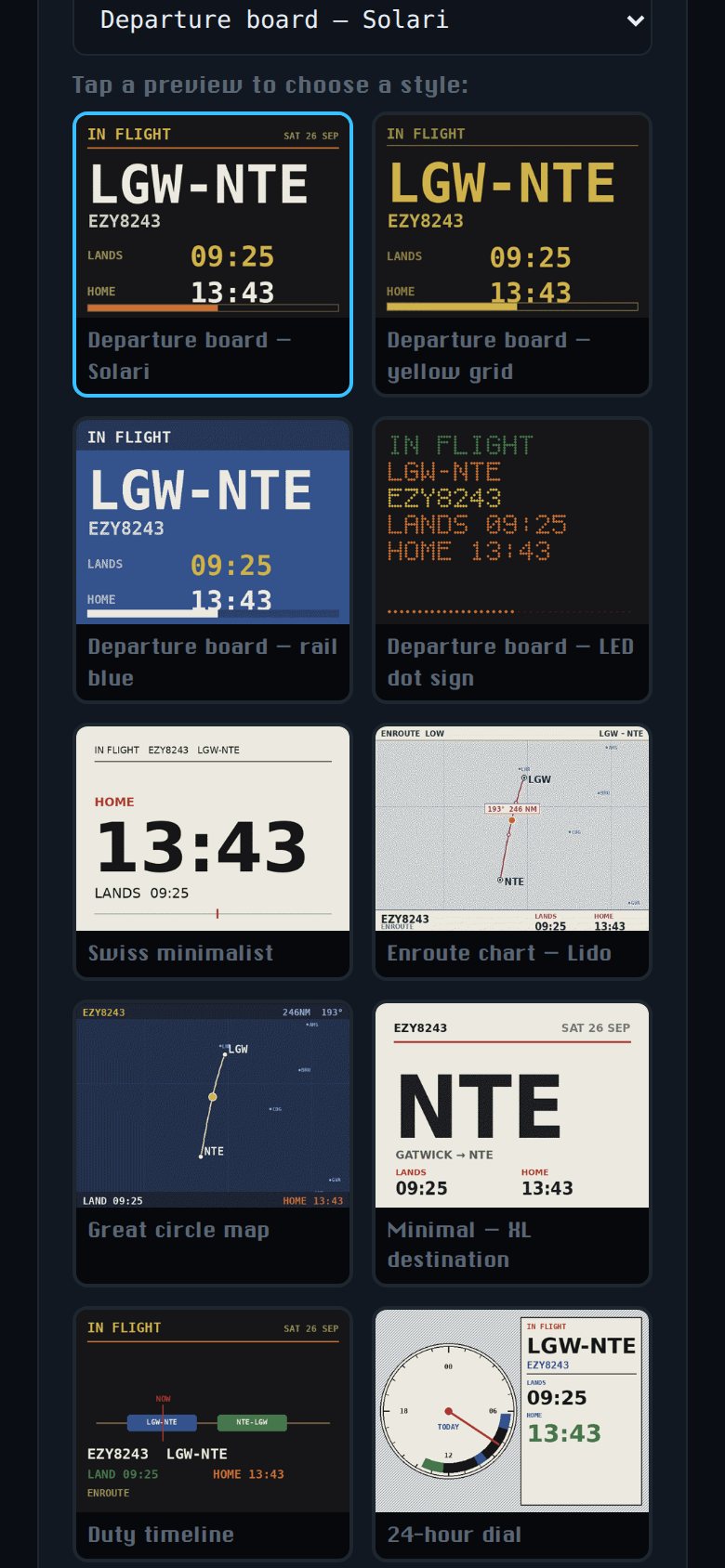
Tap a preview and the wall changes to match.
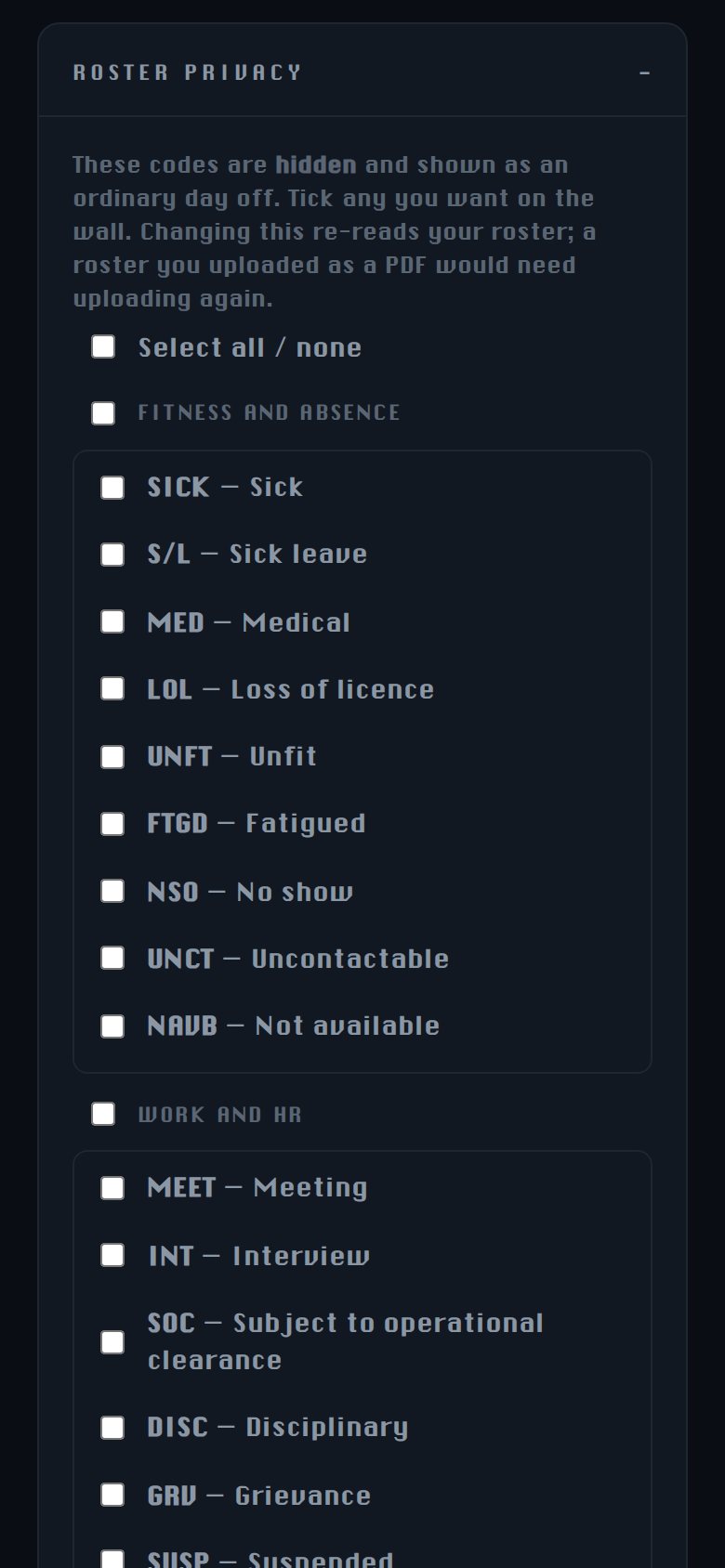
Sickness, meetings and the rest show as an ordinary day off unless you tick them.
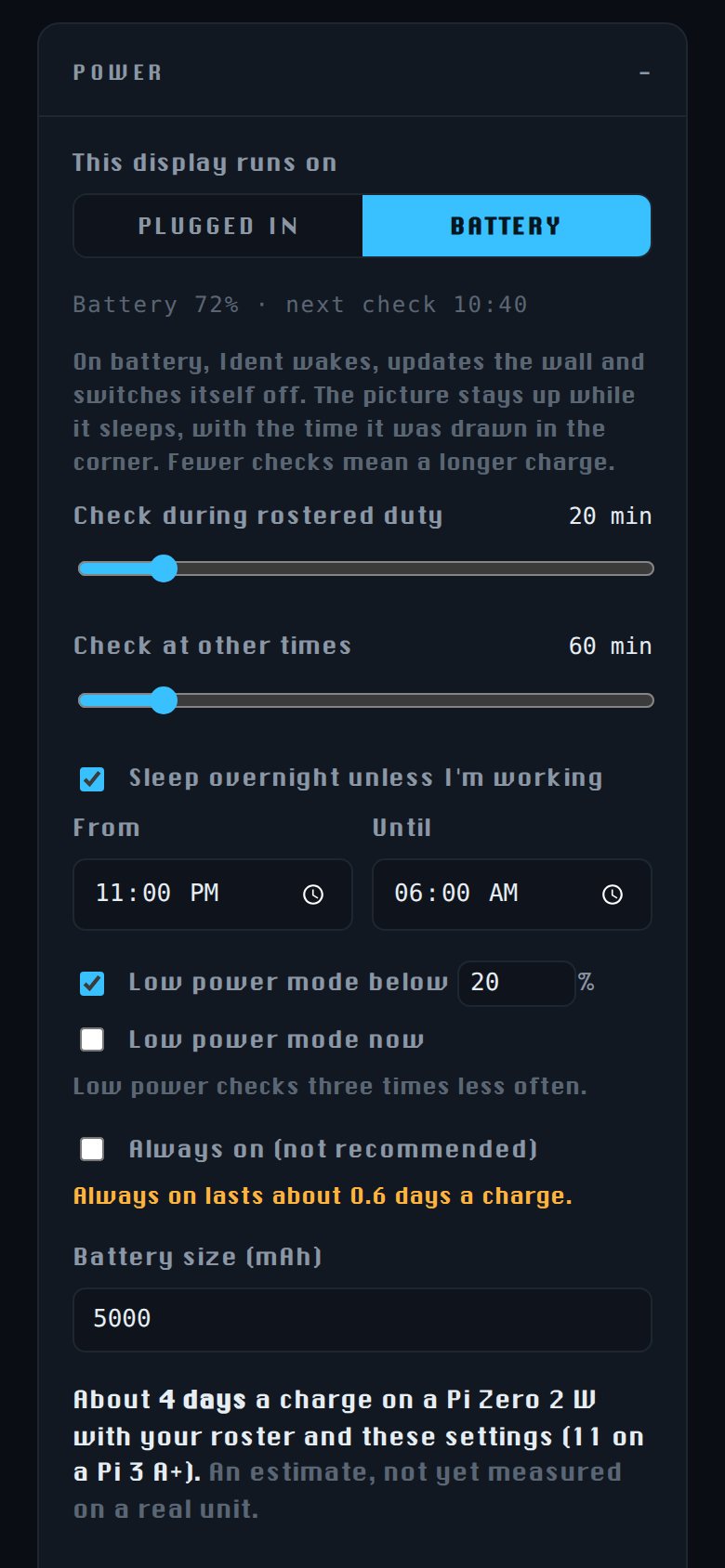
Choose how often it checks, and see how long a charge should last.
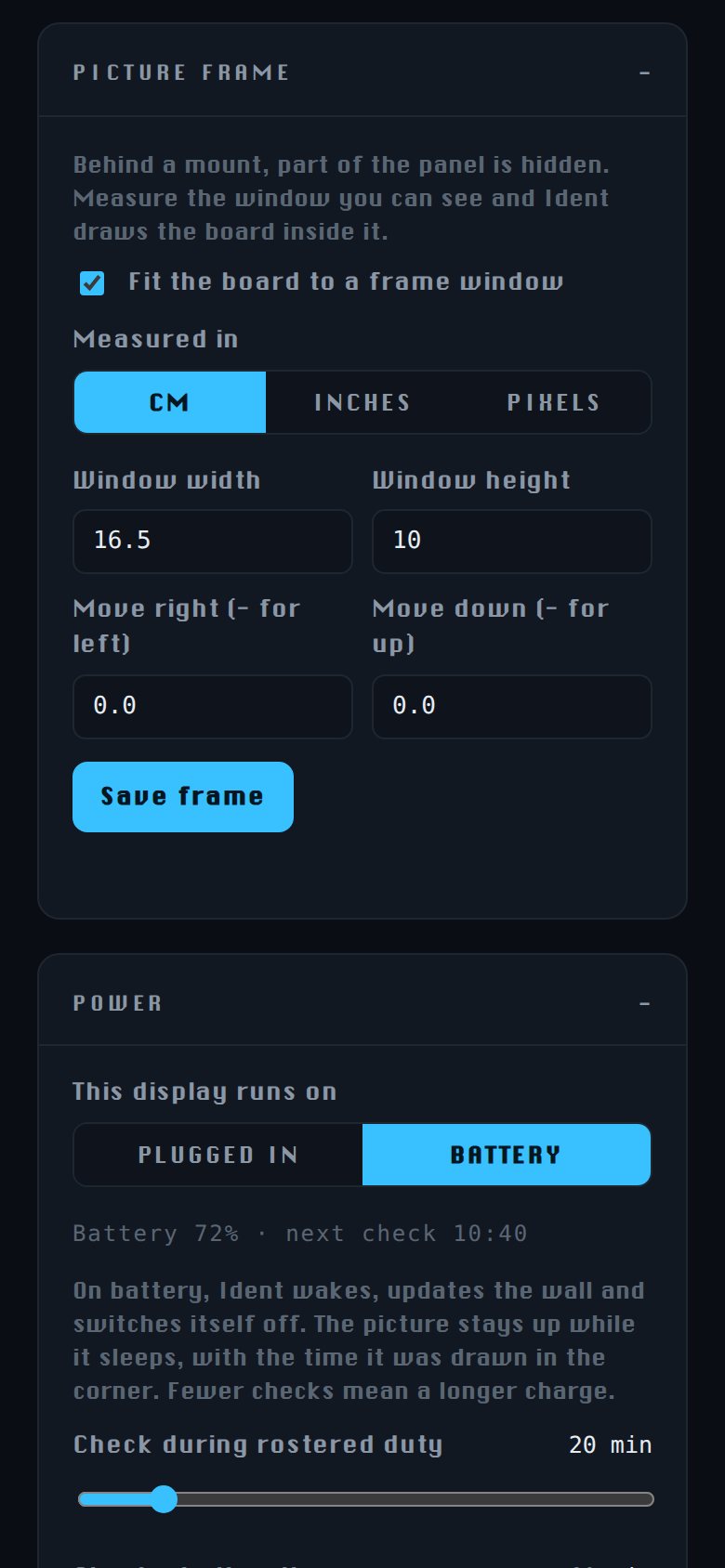
Measure the window in your mount and the board is drawn inside it.
Setup
Easy to set up. Plug it in, then use your phone.
No keyboard, no monitor, nothing to type. It raises its own Wi-Fi network the first time you switch it on — join it from your phone, pick your home network, done.
What's behind it
No enclosure to design, nothing proprietary, nothing soldered. This is all you need.
A Raspberry Pi Zero, about the size of a stick of gum, plugged directly into the display. That's the assembly - no soldering, no wiring.
On the edge of the frame, reachable with the display hung on a wall. Power, change styles, QR code, and tomorrow's duty.
Colour e-paper, like a Kindle. It holds its picture with the power off, and never glows at you in the dark.
Not only can you choose from different display styles - choose a larger ePaper display, or try an LED matrix display for a real departure board look.
The things we'd want to be told.
Around 30 seconds to redraw, so it updates on change rather than ticking. Want live movement? Choose the LED matrix.
Built and tested against easyJet eCrew feeds. Fly for someone else? Help us add your airline and yours is free.
No soldering, but you'll flash a memory card and follow a guide. An unhurried hour.
We sell the software. No hardware markup, nothing proprietary.
New versions arrive on the device. You choose when to install.
Step by step, written for someone who has never used a Raspberry Pi.
Unsure about something? Let us know how we can help. Ask anything.
Privacy and control
We never see your roster or give anyone else access to it — only the current flight number. You can choose to use a calendar link or an offline copy of your roster. During setup you can choose to enable live traffic information, if you provide your home location — this is only sent to Google Maps. You control your Ident on your home WiFi network, securely.
Sensitive roster codes such as FTGD, UNFT, NSO, SOC, MEET, WFTU, HOSP or RESN can be automatically hidden — these will then show as days off or standby, depending on your preference.
Discretion
Some days on a roster are nobody else's business.
Compassionate leave, sickness, fatigue, a meeting - Ident hides sensitive roster codes by default, showing instead as an ordinary day off.
You choose which. Setup lists every sensitive roster code, and you can tick any you'd rather show. Nothing is revealed unless you ask.
What you tell others should be your decision, made in your own time. Ident is designed to be displayed prominently, without having to worry about what it shows.
It isn't just hidden on screen: those codes are discarded when your roster is read, so they never reach the device's storage at all. Nothing that isn't kept can appear later.
Your roster never leaves the display.
Ident fetches your roster over your own connection, and keeps it on the device. Nobody else sees your schedule - because we never receive it.
How it works
Add your eCrew calendar link, once. Ident regularly and silently checks for changes.
Off, standby, report time, airborne, turnaround, heading home — the screen follows where you actually are.
On-chocks, debrief, the walk to the car, the drive home - it's all accounted for.
Same software, different displays. Pick whichever suits the room.
ePaper Ident comes in different sizes — 4.0, 5.7, 7.3 and 13.3-inch panels are supported.
The Raspberry Pi build is designed to be plugged in, and can run on a battery if you add one.
Rather not build anything, or want no cable at all? A ready-made battery display is in testing — see the three ways to run Ident.
Looks like paper. No glow, readable in direct sun, keeps its picture unplugged. Understated; the quiet one. Best for a bedroom, hallway, or kitchen.
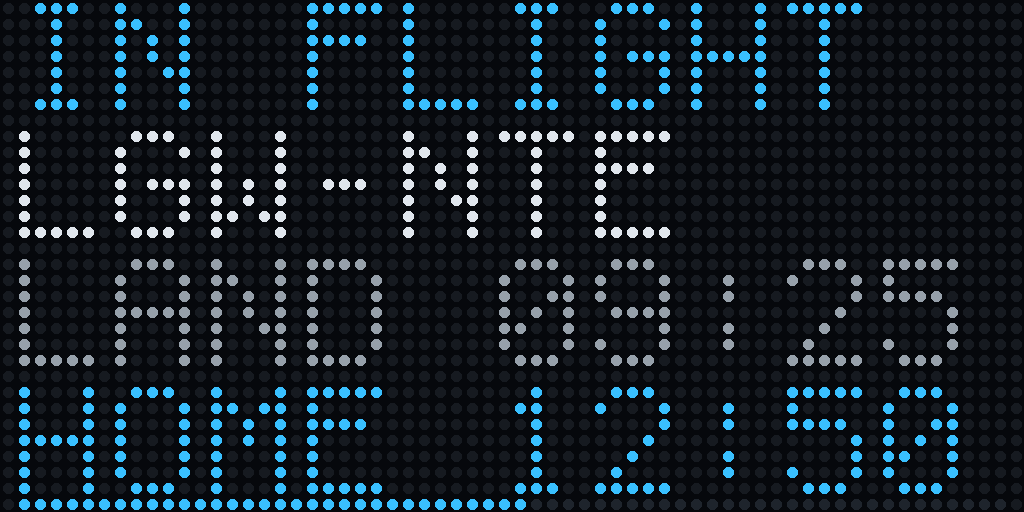
Bright, instant, looks like a departure board. Reads across a room. The one people notice. Good for a study, office, or bar.
Not sure? Compare the displays, including what to avoid.
PHOTOGRAPHS
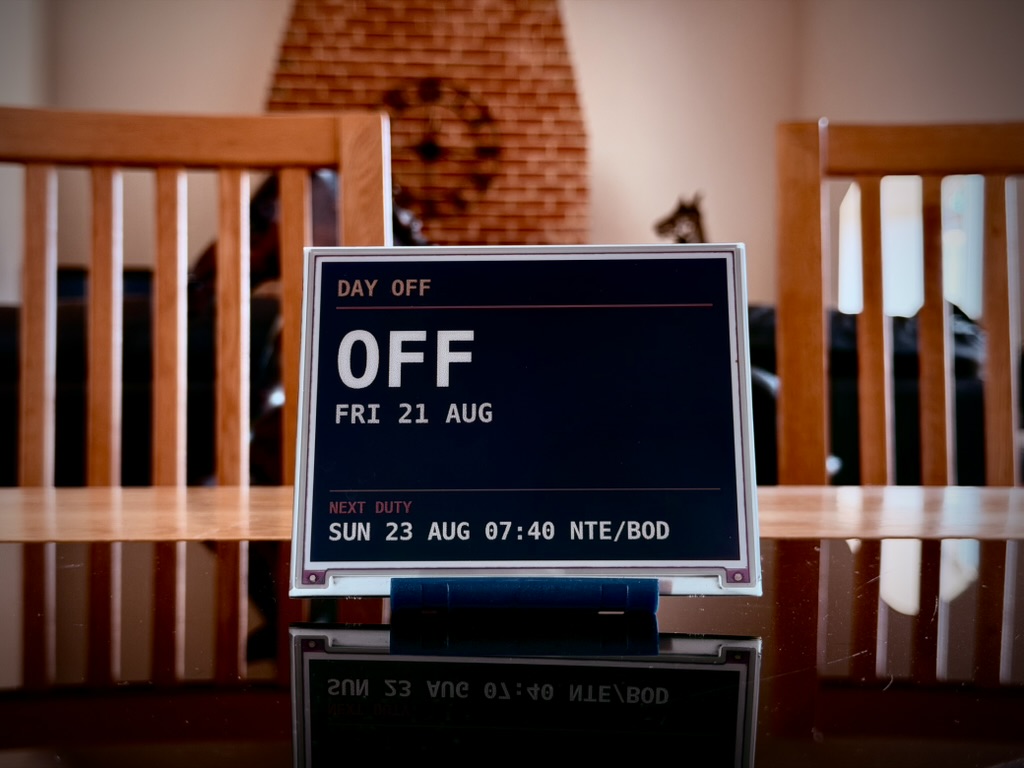
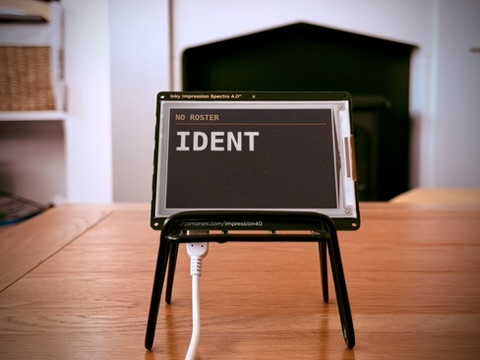
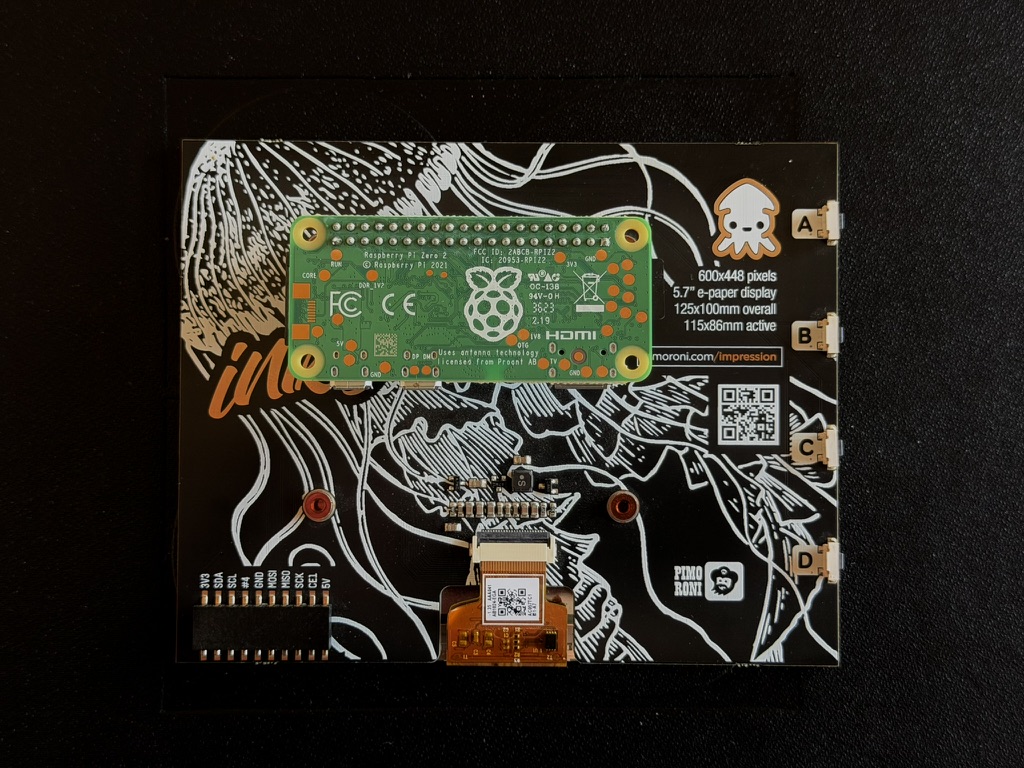
Easy to assemble
Ident software can run on almost any Raspberry Pi.
See Build for details.
See Build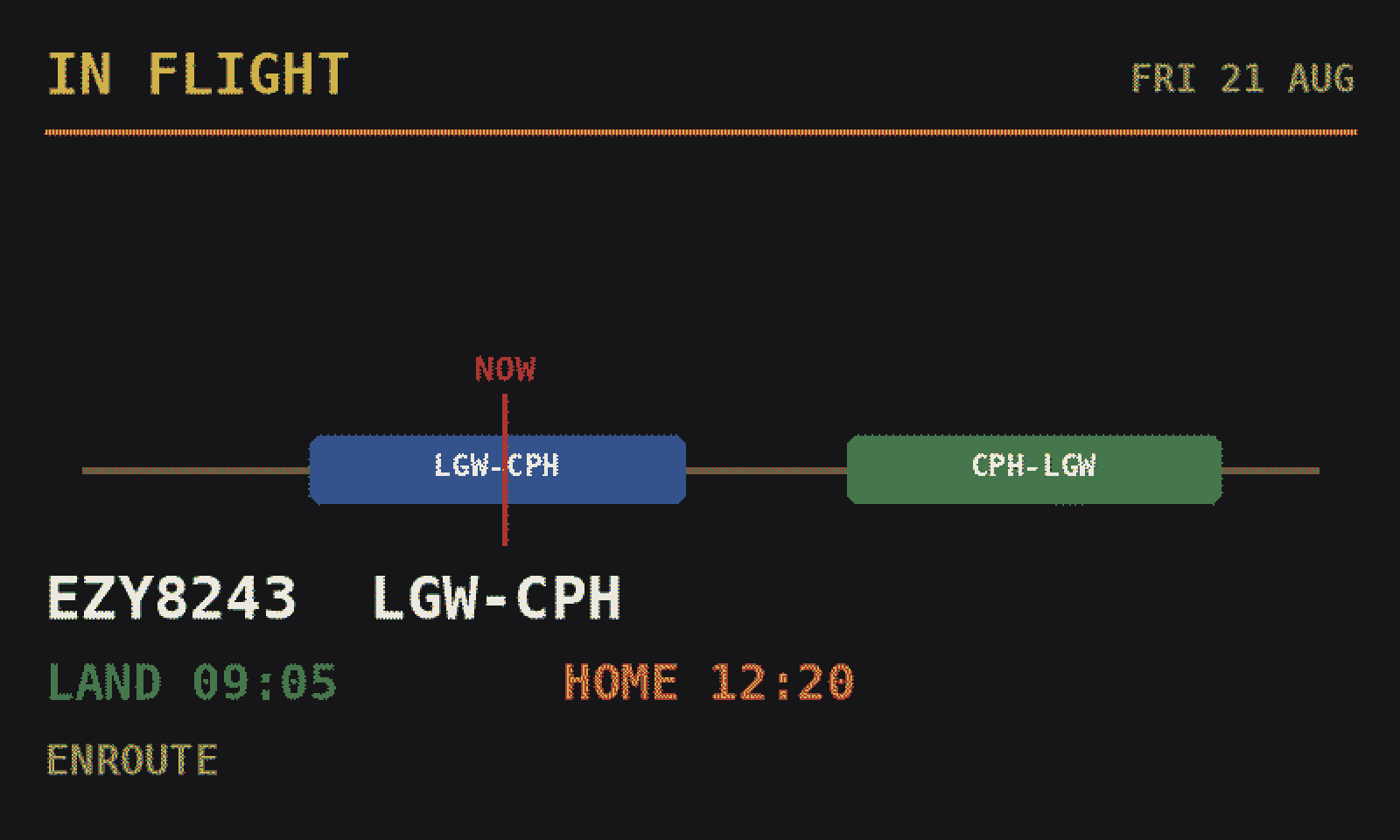
EVEN more ways to see it
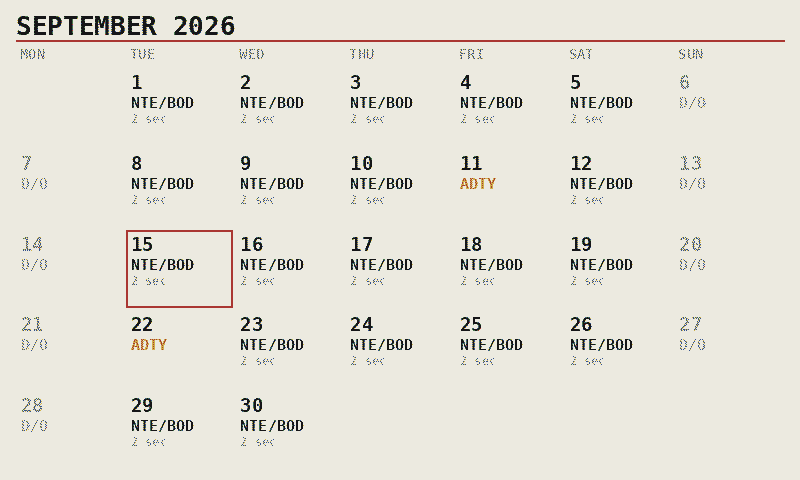
The full month as a grid — destinations on flying days, standby and days off marked, today boxed. Show it on days off, or press a button for it at any time.
Upload any photo and you can choose for it to display on days off. Only stored locally for privacy.
Keep a single line across the foot of the picture with your next report — or switch it off, if you prefer not to think about work.
Apply for a free Ident and we'll build support for you. See T&Cs.
Not easyJet?
Help us read your roster, and yours is free.
Send a sample roster and help us understand your rostering system - and we'll give you a fully-built Ident for free. See T&Cs.
Apply for a free Ident